How to Open a Raydium V4 Liquidity Pool (Step by Step)
How to create a Raydium V4 liquidity pool step by step: initial liquidity ratio, opening the pool and the first buy, LP burn vs lock, and on-chain verification.
Creating a Solana token takes two minutes. The "now what" question that follows has one answer: open a DEX pool. Raydium V4 carries the deepest trading volume on Solana, and 70%+ of new token launches start there. This guide walks the full Raydium V4 pool flow from scratch, opening the pool and making the first buy, and the LP burn/lock decision.
What Raydium V4 is, and why V4 specifically
Raydium ships several pool types: V4 (classic AMM, x*y=k formula), CLMM (Concentrated Liquidity), and CPMM (next-gen). For new memecoin and token launches, V4 is the default choice. Reasons: broadest DEX aggregator support (Jupiter, Phoenix), best indexing on DexScreener and Birdeye, and the LP burn pattern is most established on V4.
CLMM requires active liquidity management, which suits stable pairs better or institutional LPs. CPMM is newer; volume hasn't caught up yet. V4 is mandatory for memecoin launches.
Prerequisites
What you need before opening a pool:
- Token created and minted: the Solana token creator tool handles mint + initial supply.
- Mint authority decision: revoke before or after the pool? Usually after. The mint authority revoke tool runs once final supply is set.
- SOL budget: pool creation costs roughly 0.4-0.5 SOL (Raydium fees + Solana rent). Initial liquidity adds more, and how much depends on the project.
- Phantom or similar wallet connected.

Step 1: decide on initial liquidity
When the V4 pool first opens, the ratio you set determines launch price: X SOL paired with Y tokens. Example: with a 1B token supply and 5 SOL on the pool side, market cap at launch sits at 5 SOL × $100/SOL = $500. Subsequent buys move along this curve.
Common memecoin strategy: 95-100% of supply into the pool, paired with a small amount of SOL (2-10 range). Lower starting liquidity = faster volatility, higher graduation potential. Higher liquidity (50+ SOL) = more stable price but slower movement.
Step 2: open the pool, then make the first buy
The classic flow runs two separate transactions: pool create, then a buy from the open market. The brief gap between them is open to MEV sandwich attacks, and any sniper bot can pick up your token cheaper than you intended.
What closes that window is atomicity: pool creation and the first buy inside one Jito bundle, so the two either land together or neither lands. Without a bundle, the honest version of this step is a sequence you run deliberately: open the pool, then make the first buy with as little gap as you can manage.
Open the pool with Raydium LP, and have the buy side ready to send the moment it confirms. Four numbers decide the outcome, so settle them before you sign:
- Token mint address, the one you created
- Token amount, your side of the pool
- SOL amount, the initial liquidity
- The size of your own first buy
If the buy has to come from several wallets at once, that part is already atomic: Bundled Trade groups the wallets' buys into Jito bundles instead of racing them one at a time. A bundle holds up to five transactions, and how many buys fit depends on the platform.
Step 3: the LP token decision, burn or lock
After the pool opens you hold "LP tokens" representing your share of the pool. Holding LP tokens means you can pull liquidity at any time, which holders read as a rug pull risk. To remove that surface area, you close the door.
Two options:
LP burn: send LP tokens to a burn address. Irreversible. The strongest trust signal. Standard practice for memecoins.
LP lock: lock LP tokens in a third-party locker contract (Streamflow, GoPlus) for a fixed duration. You can pull when the lock expires. More flexible, but holders will still wonder "what happens when the lock ends?"
Memecoins tend to burn; utility tokens tend to lock. The decision tracks the project's long-term strategy.
Step 4: verify on-chain
Once the pool is live, open the pool address on Solscan and confirm:
- Pool LP holder list: if you burned, the burn address appears as the holder
- First transactions: pool create and your first buy sit side by side
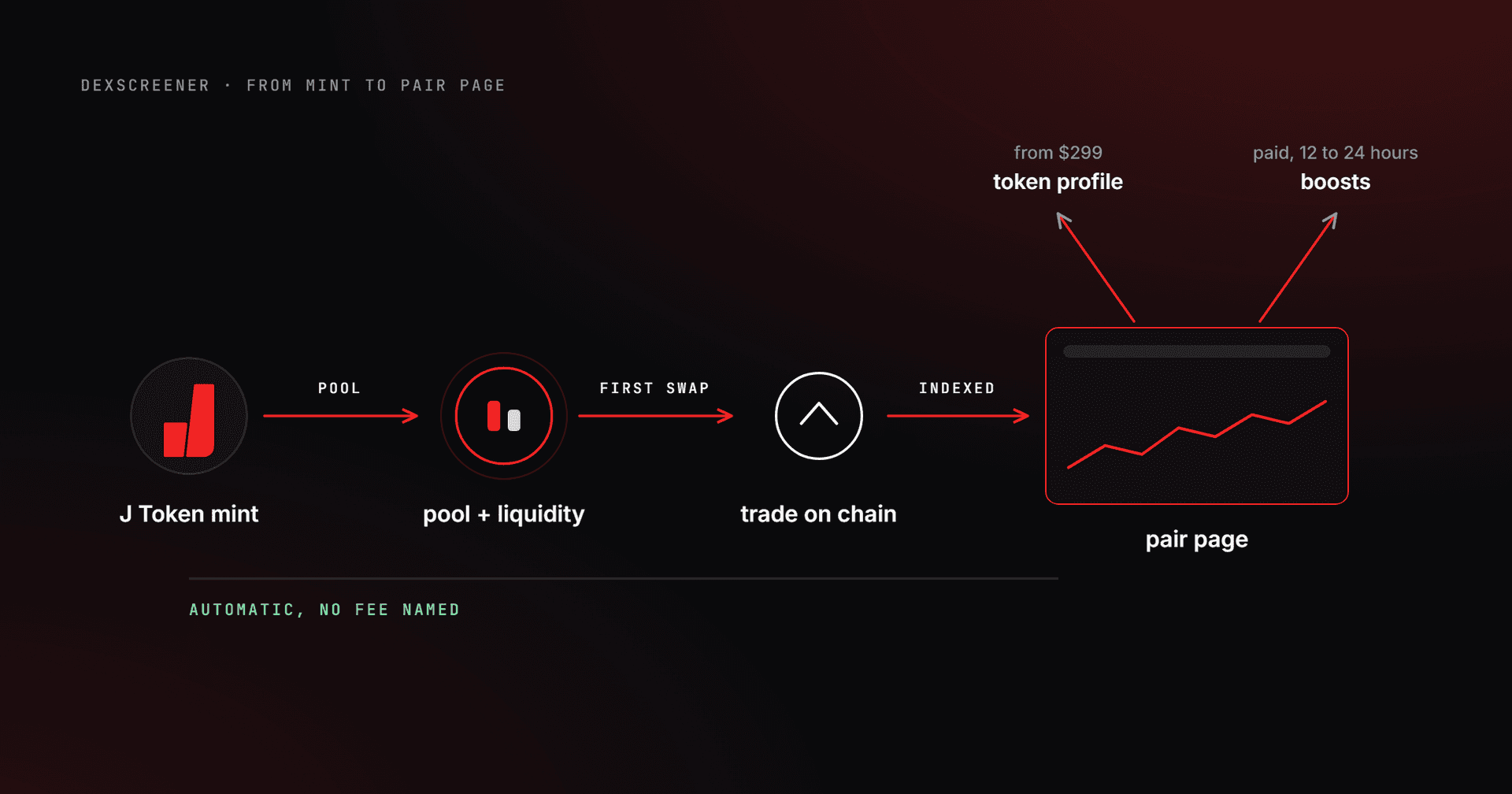
- DexScreener/Birdeye indexing: usually 5-15 minutes
- Mint authority: should show "None" if you revoked
For holder distribution scanning, the Solana token snapshot tool exports the live distribution. Top 10 percentage moves quickly post-launch; minute-by-minute tracking matters.
Common mistakes
Pool with very low liquidity: opening with 1 SOL is technically possible, but a single 0.5 SOL buy moves price 50%. Holder confidence kills. Start with at least 3-5 SOL.
Two separate transactions: pool create + buy in two transactions exposes you to MEV bots. Keep the gap short by having the buy ready before the pool confirms.
Burning LP too early: if the pool opened with the wrong token amount or wrong SOL ratio, and you burned, there's no undo. Watch the pool for 5-10 minutes, rebalance if needed, then burn.
Pool with mint authority still open: holders see the open mint authority on Solscan, conclude "supply can be diluted", and walk away. Revoke mint authority before opening the pool.
Multi-wallet launches and the bundled buy
Many projects organic-ify the early holder list by buying from multiple wallets simultaneously. Doing it manually from 10 wallets is slow and exposes each buy to sandwich attacks. The Solana bundled trade tool groups many wallet buys into Jito bundles of up to five transactions each; how many buys fit in one bundle depends on the platform.
For post-launch early-holder airdrops, the Solana multi-sender tool handles bulk distribution from a CSV.
Frequently asked questions about a Raydium liquidity pool
How much SOL do I need to open a pool?
Two separate costs. The protocol side is rent for the pool accounts, which Solana holds and returns when the accounts close. The other is the initial liquidity you actually put in, and that number is entirely your call. The platform fee for the tool appears live on its own page before you confirm.
Why does the price drop right after I open the pool?
Because the first buys bring the first sells. In a thin pool a single mid-sized sell moves the price tens of percent. Depth softens it. Look at how far the order size you expect most often moves the price; if that looks frightening, the pool is still thin.
Can I get the liquidity back after burning the LP?
No. A burned LP token is gone and your share stays in the pool permanently. That irreversibility is exactly what a buyer trusts. Locking is the more flexible route, but when the lock expires the same question comes back.
I opened the pool at the wrong ratio, can I fix it?
You can shift the ratio by adding liquidity rather than closing and reopening, but it is an expensive correction. Since the first ratio sets the price, working out the token amount against the SOL amount one more time before you open is the cheapest fix there is.
When should I revoke mint authority relative to opening the pool?
Right after the final supply settles. If you will not need to mint again for the pool side, there is no reason to wait. An open mint authority stays the biggest question mark in a buyer's mind no matter how deep you make the pool.
Does the pool show up on aggregators automatically?
Usually yes, and not instantly. Aggregators index what exists, so a live V4 pool gets picked up on their own schedule rather than yours. If nothing appears after a while, check that the pool is a type they route rather than assuming the listing is stuck.
What's next
Raydium V4 launch is done. Next steps: Token-2022 metadata updates if you're using extensions, Meteora DLMM for additional liquidity strategy, Orca Whirlpools for concentrated liquidity. The full Solana tool catalogue lives at J Tools all tools. More launch guides under the Solana token guides category and Solana tag page.
Raydium documents its own pool types and the accounts each one needs in the official Raydium documentation, and the rent those accounts hold is described in the Solana account model documentation.
Raydium liquidity pool fees: what you actually pay
There are two separate cost layers, and people conflate them. The first is the one-time cost to open the pool. The second is the ongoing trading fee that the pool collects forever.
Opening the pool is a fixed on-chain expense, not a percentage of your liquidity. It covers the Solana rent for the pool accounts plus Raydium's protocol fee. You pay it once, in SOL, at creation. On top of that sits the SOL you choose to seed the pool with, which is not a fee at all. It is your own liquidity that you can recover later if you have not burned the LP tokens.
The 0.25% trading fee is where a V4 pool earns. Every swap routed through the pool pays 0.25% of the trade size. That fee splits: the larger portion accrues to liquidity providers in proportion to their pool share, and a smaller cut goes to the Raydium protocol and RAY buybacks. If you hold the LP tokens, those fees compound into your position. If you burn the LP tokens, the LP share of the fee is locked in the pool permanently and deepens liquidity over time rather than paying out to anyone.
The exact fee charged by the platform tool when you create the pool is shown live on the Create LP tool page before you sign. Read it there rather than trusting any number quoted in a guide, since on-chain rent and protocol fees change over time.
Burn vs lock: which is right for your pool?
Step 3 covered the mechanics. Here is the actual decision, because the two choices send very different signals.
Burn sends your LP tokens to an address no one controls. It is final. No one can pull the seeded liquidity, ever, including you. For a memecoin this is the cleanest trust signal a holder can verify in ten seconds on Solscan: the LP holder list shows the burn address and nothing else. The trade-off is total. If you priced the pool wrong, there is no recovery.
Lock parks your LP tokens in a third-party locker for a set duration. Holders can see the lock and its unlock date on-chain. The honest downside is the question every locked pool invites: what happens when the timer runs out? A lock buys you flexibility for a project that genuinely plans to migrate liquidity or restructure later. It does not give you the same instant credibility as a burn.
A simple rule: if the token has no roadmap beyond price action, burn. If there is a real product that may need to move or top up liquidity down the line, lock and be transparent about why. Whichever you pick, confirm the result before you walk away. The My Pools view lists the pools tied to your wallet so you can check the LP state after the fact.
Raydium V4 vs CPMM: which pool type should you open?
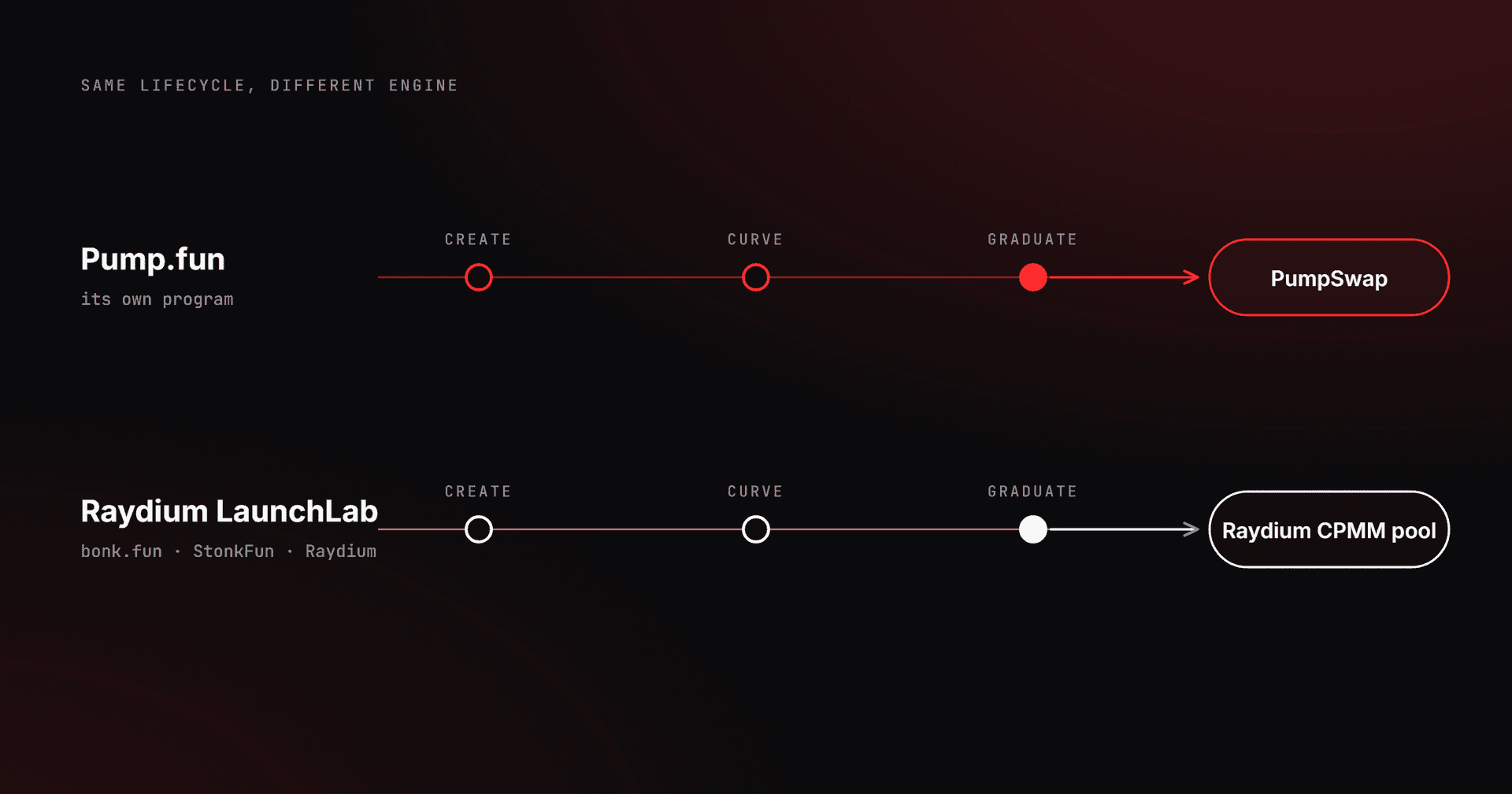
Raydium runs more than one standard pool program, and the naming trips people up. V4 is the long-standing constant-product AMM (x*y=k). CPMM is Raydium's newer constant-product program, built to support Token-2022 mints and slightly cheaper account rent.
For a standard memecoin or launch token, V4 stays the default. It has the deepest aggregator routing, the most mature LP-burn tooling, and the cleanest indexing on the trackers your buyers actually use. The burn-the-LP pattern that holders look for is most established here.
Reach for CPMM in one specific case: your token uses Token-2022 extensions (transfer fees, transfer hooks, metadata-on-mint). Classic V4 does not handle Token-2022 mints, so a token built with extensions needs CPMM to get a pool at all. If you minted with the standard Token Creator and never touched extensions, you do not need CPMM, and V4 will serve you better on day one. CLMM (concentrated liquidity) is a separate decision again, useful for stable pairs and active LP management, overkill for a fresh launch.
Match the pool program to the mint. Standard SPL mint, open a V4 pool. Token-2022 mint with extensions, you are on the CPMM path. Picking the wrong one is the most common reason a pool create fails on the first signature.
Plan the pool around the token
Before funding the pool, review how the Pump.fun curve reaches graduation, how token supply policy changes circulating inventory, and when a coordinated multi-wallet sell can affect exit execution and liquidity.