What Is Token Burning? How to Burn Tokens on Solana, Explained Simply
How to burn tokens on Solana, step by step: what burning means, when to do it, and why it lowers supply but does not guarantee a higher price.
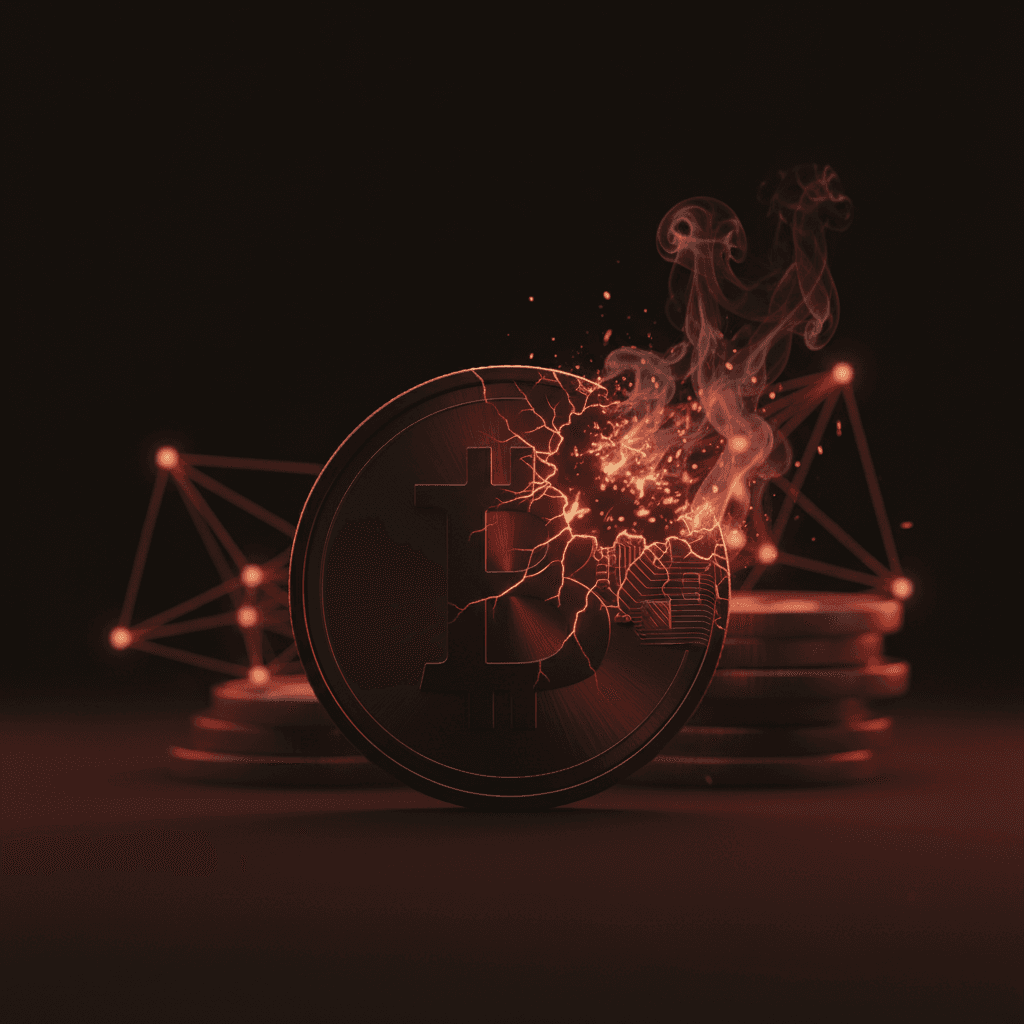
Token burning permanently destroys some of a coin's supply and lowers the total number of coins forever, and on Solana you can do it in a few clicks. (A token, or coin, is a digital coin that lives on a blockchain. Supply is how many of those coins exist in total.) It is irreversible. And here is the honest part most guides skip: burning does not automatically push the price up. It lowers supply, which is real, but it does not create buyers on its own.
This guide keeps things simple. We will explain what burning actually means, why people do it, the truth about price, and how to burn crypto tokens yourself without writing any code.
What does it mean to burn a token?
Think of a central bank shredding cash. Once a bill goes through the shredder, it is gone. There are fewer bills in the world now, and nobody can spend that bill again. Burning a token works the same way.
Every token has a supply, the full count of coins that exist. It also has a circulating supply, which is how many coins are actually out in people's hands and wallets right now. When you burn coins, you destroy them for good, and the total supply falls by that amount.
How does a coin get destroyed if it is just data? On Solana, the token program has a dedicated burn instruction: it subtracts the coins from your token account and lowers the recorded total supply in the same step. Nothing is parked anywhere; the coins simply stop existing, like dropping them into a furnace with no door on the other side. People sometimes call a coin with regular burns deflationary, which just means a setup where supply goes down over time.
Burning is irreversible. There is no undo button, no support ticket, no recovery. Once coins are burned, they are gone for good. Always check the token and the amount twice before you confirm.

Why do people burn tokens?
Burning is not one thing done for one reason. Here are the main ones you will run into, from project strategy to simple wallet cleanup.
- Reduce supply and signal scarcity. A project may burn a chunk of coins as part of its plan, hoping fewer coins makes the remaining ones feel rarer. Compare it to a company buying back its own shares and destroying them.
- Remove leftover supply after a launch. If a project created more coins than it sold, those unsold coins could flood the market later and crash the price. Burning the leftovers takes that risk off the table.
- Burn the LP token to protect buyers. When a token gets a trading pool, the creator receives an LP token (liquidity provider token), the receipt that proves who owns the shared pool's money, called the liquidity. If the creator burns that receipt, nobody can ever pull the pool's funds. That blocks one common kind of rug pull, where a creator drains the pool and runs.
- Clean dust or spam tokens. Dust or spam tokens are tiny or junk coins that show up uninvited in a wallet. Burning them clears the clutter.
- Milestone or buyback burns. A project hits a goal and announces a burn as a public gesture, sometimes after buying coins back off the market first.
Does burning tokens make the price go up?
This is the question everyone Googles, so here is a straight answer: no, not on its own. There is no guarantee.
Burning lowers supply. Price needs demand. Those are two different things. Fewer coins existing does not magically produce people who want to buy them. If a coin has no real interest behind it, a burn changes very little. The chart often barely moves.
Treat "we burned X coins" as one data point, never as proof a coin will rise. A burn can grab attention and act as a signal, but it is not a money machine. Plenty of tokens burn supply and still fall in price because demand simply was not there.
So if someone promises a burn will pump a coin, stay skeptical. Supply down is not the same as demand up. If you want to see how concentrated a token's ownership is before you trust any of this, you can check its holders with our token holder snapshot tool for free.
How to burn tokens on Solana, step by step
Learning how to burn tokens on Solana is easier than most people expect. No code, no command line. Here is the plain flow using our burn tokens on Solana tool.
- Open the burn tool and connect your own wallet. You stay in control, and you approve the action yourself. The tool never asks for your private key.
- Pick the token you want to burn from your wallet.
- Type the amount. Burn all of it, or just part of it. Read it twice, because the wrong number cannot be reversed.
- Read the summary, then confirm. Remember, this cannot be undone.
The burn is free on j.tools; the only cost is the tiny Solana network fee, a fraction of a cent. After you confirm, those coins are destroyed and the supply drops for good.
If you are clearing junk, the same flow works. Burn the spam or dust token down to zero with our simple token burning form. Then the token slot in your wallet sits empty but still holds a small rent deposit, about 0.002 SOL that Solana keeps to hold the slot open, refundable when you close it. You can close the empty slot and get that rent back, for free, with our close empty token account tool.

The burn instruction is part of the token program itself, not something a site layers on top: it is documented in the official SPL Token documentation, and what happens to the account afterwards follows the Solana account model.
Burn vs revoke mint authority
People mix these two up all the time, so let's separate them clearly. Burning destroys coins that already exist, so the supply goes down right now. Revoking the mint authority is different. The mint authority is the power to create more coins later, and to revoke it means to permanently give that power up. That caps the supply at its current number, but it does not lower it. No coins are destroyed; you just promise no new ones will ever be printed.
A careful project often does both. First it burns the leftover supply to cut the number down, then it revokes the mint authority so no more coins can appear. One lowers, the other locks.
| Action | What it does | Effect on supply | Reversible? | When to use | Tool |
|---|---|---|---|---|---|
| Burn tokens | Destroys coins that already exist | Supply drops now | No | Cut leftover supply, clear dust, or lock an LP receipt | Burn Tokens tool |
| Revoke mint authority | Stops any new coins from being made | Supply capped, not lowered | No | Promise no more printing, ever | Revoke Mint tool |
If you want that hard cap, you can give up the printing power with our revoke mint authority tool for 0.1 SOL. Like burning, that step is permanent too.
These two get confused constantly, and they answer different questions. The full comparison is in the guide to revoking mint, freeze and update authority. Burning LP tokens is a third thing again, weighed up in burn, lock or hold your LP token.
What is j.tools?
j.tools is a Solana toolkit with 40 plus no-code tools: burn tokens, create tokens, revoke authorities, snapshot holders, swap, and more. It runs in seventeen languages, English and Turkish included, and is built so a non-developer can work from a simple form. It is security-minded by design. It never asks for your private key. You connect your own wallet and approve every single action yourself, so you stay in control the whole way through.
Frequently asked questions
Does burning tokens increase the price?
Not by itself. Burning lowers supply, but price needs real demand from buyers. A burn can draw attention as a signal, yet a burn with no real interest behind it usually moves little. Treat it as a signal, not a guarantee.
Can you undo a token burn?
No. Burning is irreversible. The burn instruction removes the coins outright, and the supply stays reduced. Always double-check the token and the amount before confirming.
Why would I burn my own tokens?
Common reasons: to cut leftover supply after a launch so it cannot flood the market, to signal planned scarcity, to burn an LP receipt so the pool cannot be drained, or simply to clear dust and spam from a wallet.
How do I get rid of spam tokens in my wallet?
Burn the junk token down to zero, then close the now-empty slot to reclaim the small rent deposit. You can burn with our burn tokens tool, then reclaim rent with our close account tool.
Is burning the same as revoking the mint authority?
No. Burning destroys coins that already exist and lowers supply now. Revoking the mint authority only stops new coins from being made, which caps supply without lowering it.
Want to go deeper? Browse more in our step-by-step Solana guides, or read everything tagged under our Solana token articles.
Before you burn tokens on Solana, read this
Burning is one of the cleanest tools you have on Solana, and one of the few that truly cannot be reversed. The coins do not come back, so check the token and the amount carefully before you confirm. Keep the honest framing in mind too: a burn cuts supply, but it is not a guaranteed pump. Do it because it fits your plan, not because you expect the chart to take care of itself.
What is token burning, in one line?
Token burning is the act of permanently removing coins from a token's supply. On Solana the chain does this with a single burn instruction in the SPL Token program. The instruction subtracts the amount from your token account and lowers the mint's recorded total supply in the same transaction. There is no separate "destroy" step and no shredder running in the background. The ledger simply shows fewer coins, and that change is final the moment the transaction confirms.
One detail trips people up: amounts are counted in the token's smallest unit. If a token has 6 decimals, burning "1" coin actually moves 1,000,000 base units on chain. The burn tokens form handles that math for you, so you type the human number and it sends the right base amount.
How to burn LP tokens on Solana
Burning an LP token is a different job from burning regular supply, even though both use the same idea. The LP token is the receipt for your share of a liquidity pool. Burn the receipt and the pool's funds are locked forever, because no one holds a claim to withdraw them. Buyers read a burned LP as a sign the creator cannot pull liquidity and run.
- First, confirm the LP token actually sits in your wallet. After you create a pool, the LP mint lands in the creator wallet. You can review your positions with the liquidity add and remove tool before you do anything permanent.
- Decide how much of the LP supply to burn. Burning all of it locks the whole position; burning part of it locks only that share.
- Send the LP token to the burn flow the same way you would any other token, then confirm.
Burning an LP token does not return the SOL or tokens you deposited into the pool. Those stay in the pool, locked, with no way to reclaim them. Only burn an LP receipt when you intend to give up that liquidity for good.
If your goal is broader trust, pair the LP burn with locking the token's settings so they can never change. You can make the token immutable after burning so the name, symbol, and metadata are frozen alongside the locked liquidity.
Can you recover burned tokens?
No. Burned tokens cannot be recovered, by you or by anyone else, including j.tools. The reason is built into how the burn works. The coins leave your account through the SPL burn instruction, and the mint's total supply drops to match. Nothing is parked in a holding address waiting to be restored. There is no key that reverses it, no admin override, and no support request that brings the coins back.
This is why the only real safeguard is checking before you confirm. Verify you picked the correct token, and read the amount twice. A wrong token or an extra zero cannot be undone once the transaction lands. Treat every burn as one-way and you will never get surprised.