Solana Rent Reclaim: Pulling SOL Back from Empty Accounts
Empty token accounts each lock 0.00203928 SOL. How a Solana rent reclaim works, which accounts can be closed, and how to spot the fake free-SOL sites.

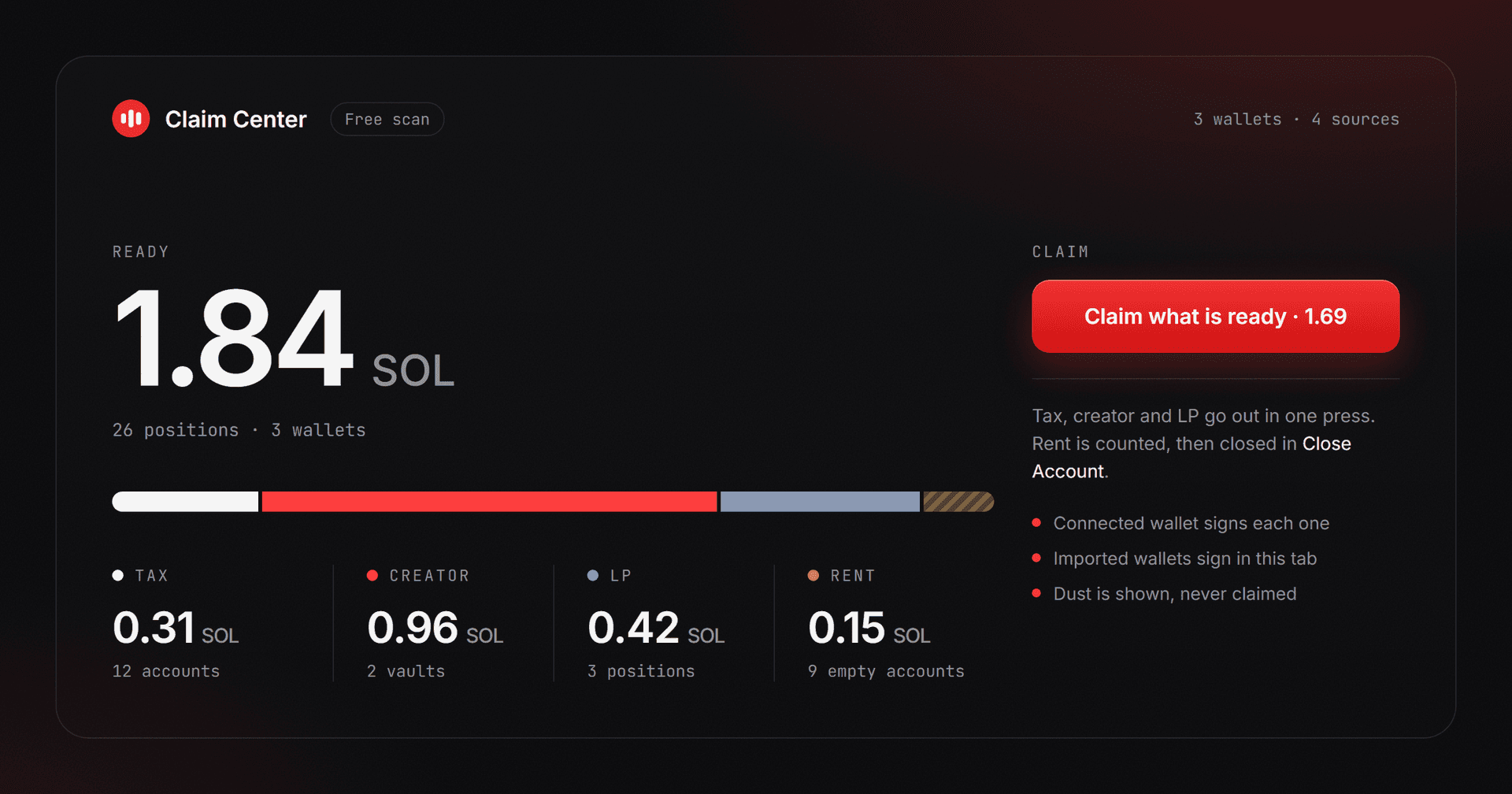
Open up an old Solana wallet and the picture is almost always the same. Dozens of different tokens, most with a zero balance, the rest are airdrops you stopped tracking three cycles ago. These empty rows cost real SOL. Each one is quietly holding a slice of your balance hostage. The number per row looks small, but stacked across a wallet that has been around for a while, it adds up to real money.
A Solana rent reclaim is the cleanup that gets it back. This post walks through what Solana calls rent, which empty rows can be cleaned up, and how the empty token account closer brings that locked SOL back into your spendable balance. A few neighboring tools come up along the way, because wallet hygiene rarely works on its own.
What rent actually is
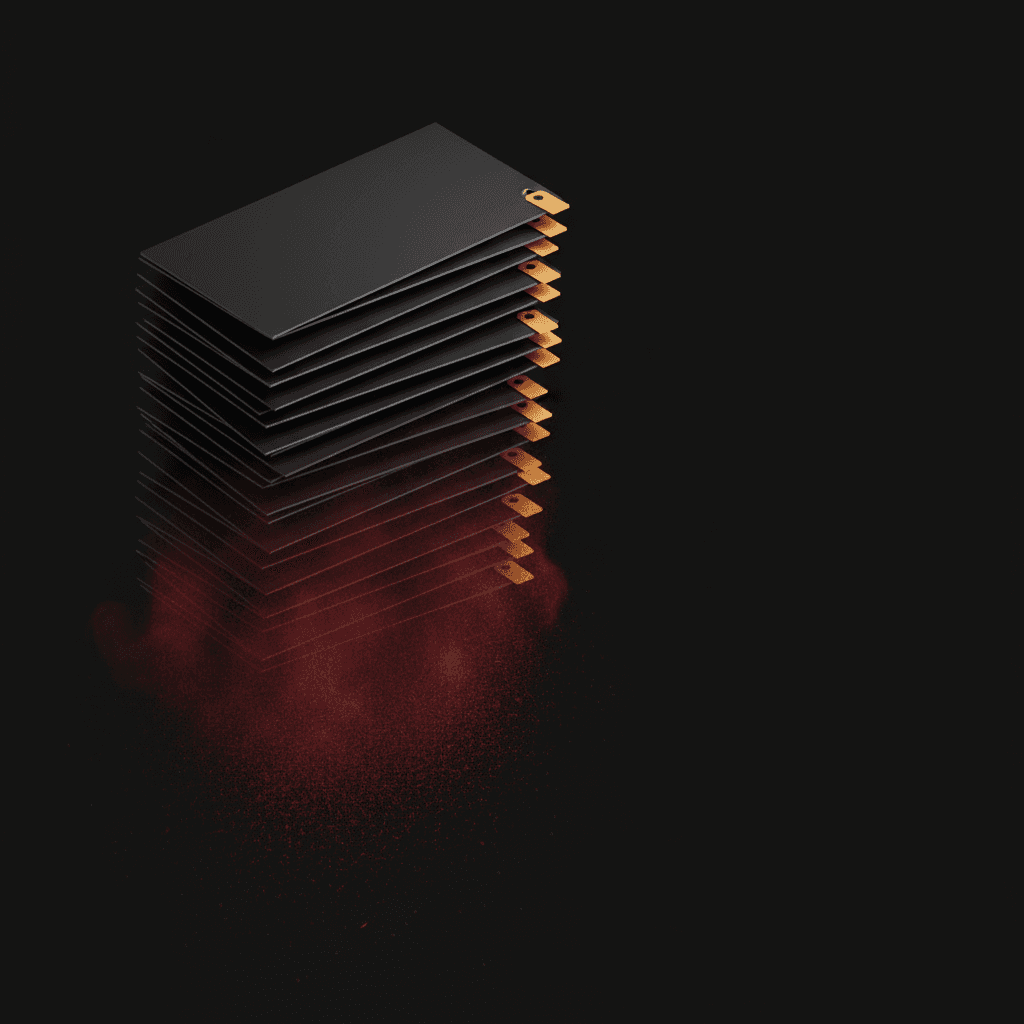
Think of Solana as a giant warehouse full of tiny drawers. The moment you hold a new token in your wallet, a drawer opens in the warehouse with your name on it. Solana asks you to leave a small deposit in that drawer so the network keeps remembering it exists, the same way a hotel asks for a key deposit. The deposit is still yours, it does not get spent, it just sits there as long as the drawer stays open. The moment you close the drawer, the full deposit flows back into your wallet.
The official term for this deposit is a mouthful. Translated to plain language, it means the minimum SOL Solana asks you to leave in an account so the network can remember it exists. For an ordinary token drawer, the number is up to about 0.002 SOL: 0.00203928 for drawers opened before September 2026, less for newer ones, because the network has been lowering rent in steps since then. A wallet with sixty different token drawers has up to about 0.12 SOL frozen on those drawers alone. That is SOL sitting in a place you have never thought to look.
Rent is not a fee that vanished. It is a balance you still own, just frozen until the drawer closes. That is why "rent recovery" is a more honest name than "rent reclaim".
Where these empty drawers come from
To understand why an empty-drawer pile grows so fast, list the sources. Every airdrop you ever received opened a new drawer if you did not already hold that token. Every Jupiter swap can leave temporary drawers behind for the intermediate hops on its route. A failed snipe attempt that errored out after the drawer opened but before the buy landed leaves an empty shell. Closing a liquidity position leaves the position NFT drawer empty. Every Pump.fun curve buy opens a drawer for the curve token.
Add the operator side and the picture sharpens. A fleet generated through the bulk Solana wallet generator with one hundred wallets and an average of twenty tokens per wallet sits at two thousand empty drawers. None of them get cleaned up automatically. Anyone who has hunted airdrops, run multi-wallet trades, or set up a bot stack carries this accumulation around.
A concrete example
Every token slot in your wallet locks up to roughly 0.002 SOL as a deposit. Say you ran fifty random small swaps on Jupiter over the past few months and stopped tracking most of those tokens. You now have fifty empty slots. Multiplied out, that is up to about 0.1 SOL of yours sitting frozen. Closing all of them at once on j.tools restores that SOL directly to your spendable balance. No trade, no yield strategy, just the deposits coming home.
Across three usage profiles, the numbers look like this.
| Profile | Typical empty slots | Reclaimable SOL (up to) | Read on it |
|---|---|---|---|
| Passive user | 30 | ~0.06 SOL | About a lunch out |
| Active trader | 200 | ~0.41 SOL | A month of coffee budget |
| Multi-wallet operator | 2000 (100 × 20) | ~4.1 SOL | Real money, not optional |
| Post-launch team | 500-1500 | ~1-3 SOL | Rebuilds every launch cycle |
For the passive user the recovery covers pizza. For the operator it is a real line item per launch cycle. The only price you pay is setting up the routine.
Which drawers you can actually close
Not every drawer is eligible. The rule is simple: a token drawer can be closed only when its balance is exactly zero. Even 0.0001 of a token still in it will block the close, because those leftover tokens have to go somewhere, and a wallet cannot just dump them at a random address.
The usual suspects look like this:
- Memecoins from a previous cycle. Price went to zero, the drawer stayed empty.
- Old airdrops with dead projects behind them. The drawer is still open and you never thought about it again.
- Test mints from your own experiments that never made it to a real market.
- LP token drawers where the position closed but the drawer stuck around.
If you still hold a tiny balance in a drawer you want closed, you have two options. Send the leftover somewhere else, or burn it. For dust amounts with no resale value, the cleanest path is to torch them with the small-balance SPL token burner. Once the balance hits zero, the drawer is ready to close.

How to find the empty drawers
Once you connect a wallet, the tool lists the empty slots on its own. You do not need a separate search. If you want a broader view across a fleet, the Solana token holder snapshot tool lists every token slot a wallet has and lets you sort by balance. The zero rows float to the top. The same view works on a single wallet for a quick sanity check before you batch-close.
The closing flow
The tool works one drawer at a time, but most people end up using it in batch mode. Closing fifty slots one by one means fifty separate wallet prompts and a lot of clicking. Batch closing turns that into a handful of signatures and is the path most users take.
A typical run looks like this:
- Connect the wallet. The zero-balance slots auto-populate in a list.
- Scan the list. If you see an unfamiliar mint, paste it into Solscan first. Some scam tokens behave badly when you try to close them.
- Select which ones to close. There is a "select all" button if you have already done the safety check.
- Sign. Solana has a transaction size limit, so very long lists get split across a few signatures. That is expected, not a glitch.
- Watch your balance. The recovered deposits flow back into your main SOL balance immediately.
If you run multiple wallets, especially alt wallets generated for airdrop campaigns, each one likely has its own pile of locked deposits. Before you sweep funds with the bulk SOL consolidation tool, run the close pass on each wallet first. The combined recovery usually adds up to several whole SOL, which is the kind of balance most people would mistake for a winning trade.
The wSOL edge case
One special drawer is worth calling out: wrapped SOL. From the outside it looks like any other token drawer, but the balance inside it is denominated directly in SOL. If it holds 0.5 wSOL, closing the drawer refunds both the deposit and the 0.5 wSOL back into your wallet. The close effectively performs an unwrap, the same operation you would otherwise run through the wSOL wrap and unwrap tool.
If you trade on Jupiter or Raydium and want to keep a working wSOL balance ready, do not close this drawer. Closing unwraps everything back to native SOL. The next swap will simply open a fresh wSOL drawer and pay the deposit again.
Drawer types and what each one can do
| Drawer type | Typical deposit (up to) | Closable when empty? | Note |
|---|---|---|---|
| Ordinary token slot | ~0.00204 SOL | Yes (if balance is 0) | The default case |
| wSOL slot | ~0.00204 SOL | Yes (close also unwraps the balance) | Any wSOL inside returns as native SOL |
| Active position NFT slot | ~0.00204 SOL | No | Close the underlying position first |
| Closed LP position NFT | ~0.00204 SOL | Yes | Deposit returns once the position is closed |
| Your own token's control account | ~0.00146 SOL | Usually not advised | Different operation, take care |
Network fee math
A close costs roughly 0.000005 SOL in network fees. Each close returns up to roughly 0.00204 SOL of deposit. Net recovery per close is up to about 0.00203 SOL. Batch mode packs multiple closes into a single transaction, so closing fifty slots in one signature still pays only one network fee. Across a two-thousand-slot operator pass, total network spend stays in the low thousands of base units while the recovered SOL can clear four.
Cleaning up before a snapshot
Planning a snapshot or an airdrop distribution? Cleaning up empty drawers on the target wallets shrinks the list first. The snapshot tool treats every zero-balance slot as a holder entry, which inflates the count and pads your distribution cost for no reason. Close first, snapshot second is the order that saves money. A subsequent payout through a distribution tool directly benefits from the smaller target set.
When not to close a drawer
Two things to verify before you hit close:
- Is the token tied to an active staking or farming position? Some protocols use the token drawer as a claim record, and closing it can cost you future rewards.
- Is the drawer holding a governance or LP NFT? If it is, the close will be rejected anyway, but it is still worth pausing when you see an unfamiliar mint with locked utility.
Skip anything you are unsure about. The tool never forces a close. Selection stays in your hands the whole time.
A Solana rent reclaim is not a one-time job
Wallet hygiene is a recurring task. An active trader picks up new empty drawers every month, because each new token purchase opens a new slot. Running the closer once a quarter keeps the balance lean and speeds up how fast a wallet app loads its token list. A wallet with thirty slots opens in Phantom or Solflare far faster than one with two hundred.
For broader operator material, the j.tools guide archive and the every post tagged Solana sit a click away. Recovered deposits are found money. Not from a trade, not from a yield strategy. Just a balance you already owned, finally unlocked.
How much SOL does a Solana rent reclaim actually return?
A standard empty SPL token account opened before September 2026 holds a rent deposit of 0.00203928 SOL, the amount Solana locked into a 165-byte drawer at the time (newer drawers hold less), and closing that drawer sends the deposit back to the wallet that owns it. After our tool's 5% fee (about 0.0001 SOL on an older account, with the live figure shown on the tool's own page), you keep roughly 0.0019 SOL per older account, so twenty empty drawers are worth up to roughly 0.04 SOL and a hundred up to roughly 0.2 SOL.
The deposit on an ordinary token account is not a rounded guess. Solana derives it from the account's size on chain. A standard SPL token account takes 165 bytes, and the rent-exempt minimum for that size comes from a per-byte price that the network sets and can change. Each slot keeps the deposit it was opened with, so an older slot returns more than a newer one of the same size.
So the math per account is clean. You get the locked deposit back, you pay one shared network fee per signed transaction, and the net is the deposit minus that small fee on each one. Twenty empty accounts come home as roughly twenty deposits. A hundred come home as about a hundred. The number is small per row and meaningful in a stack, which is the whole reason these accounts are worth hunting.
Token-2022 accounts can carry extra extensions (transfer fees, metadata pointers, and similar). Those make the account larger than 165 bytes, so their deposit is a bit higher than a standard slot. When you close one, the larger deposit is exactly what comes back.
Close or burn: which goes first?
An account only closes when its balance is exactly zero, so the order depends on what is sitting inside the account right now.
- Already empty? Skip burning entirely. Send it straight to the empty account closer and collect the deposit.
- Holds dust with no resale value? Burn first, then close. A dead memecoin or a worthless airdrop is not worth a swap, and you cannot close around it, so torching the balance to zero is the clean path.
- Holds something you might still want? Do not burn. Move it out instead. Sweep the leftover to another wallet with a one-to-many SOL and token sender, then close the now-empty account.
The trap to avoid is burning a token you actually wanted to keep, just to reclaim a small deposit. The deposit is real, but it is rarely worth destroying a balance you cannot get back. Burn only when the token is genuinely dead.
Solana rent reclaim across many wallets
One wallet is a quick pass. A fleet is a routine, and the routine has an order that saves time.
- Close before you sweep. Run the closer on each wallet first so every locked deposit lands back as spendable SOL in that wallet. If you consolidate first and close second, you leave a trail of tiny deposits stranded on wallets you have already drained.
- Then consolidate. Once every wallet holds its recovered SOL, pull it all to one address. The bulk consolidation flow already linked above handles the sweep in a few signatures.
- Keep a gas buffer. Each close still needs a sliver of SOL for the network fee. A wallet sitting at a true zero balance cannot pay to close anything, so leave a few thousand lamports on each one before you start.
For an operator running a hundred wallets, that single change in order (close, then sweep) is the difference between recovering the full deposit pile and leaving a few hundredths of SOL behind on every alt. Across a large fleet, that quietly adds up to whole SOL.
Sol Incinerator and other reclaim tools: what to check first
Sol Incinerator is the name most people arrive with, and it is a real tool that plenty of people use. Read what follows as a checklist you can run on any reclaim tool, ours included, rather than a verdict on one. Half the results in this niche promise unclaimed SOL. Nothing is unclaimed. The deposit was yours from the moment the drawer was created.
Five things to check before you connect a wallet anywhere:
- It asks for a seed phrase or private key. Close the tab. A real tool needs a wallet connection and your signature, never the keys behind them.
- It will not show the list first. Every account it plans to close, and the amount coming back from each, belongs on screen before you sign.
- The fee is hidden. Whatever the tool keeps, a flat amount or a share of the refund, belongs on screen before you sign, next to what comes back.
- It sells rewards rather than a refund. Calling it a returned deposit is accurate. Calling it an unclaimed reward is not.
- It offers to close accounts that still hold tokens. Closing destroys those tokens, so only zero-balance drawers are safe to touch.
Most established tools clear all five without trouble. Our tool for closing empty token accounts never asks for a key: you connect a wallet, read the list, then sign each transaction yourself. The live fee sits on the tool page, since it can change.
Solana rent reclaim: frequently asked questions
Most of what people search here is not how to do it, but whether the sites offering to do it for them are real. Short answers first.
Is Sol Incinerator safe, and are the "claim free SOL" sites legitimate?
The reclaim itself is real: an empty token account genuinely holds a refundable deposit, and several tools including Sol Incinerator close them for a cut. What separates a working tool from a phishing page is what it asks for.
A real one asks you to connect a wallet and sign each transaction yourself. A fake one asks for your seed phrase or private key, or asks you to send SOL first to "unlock" a bigger amount. There is no version of this where you pay in advance, and no version where anyone needs your recovery phrase.
How much SOL can I actually get back?
Up to 0.00203928 SOL per empty token account, and nothing more. That is the deposit in accounts opened before September 2026 (newer ones hold less), a figure that comes straight from the rent-exemption minimum in the official Solana documentation. A wallet that has traded a hundred tokens over two years might hold forty or fifty empty accounts, which is roughly 0.08 to 0.10 SOL. Anything promising materially more than the account count times that number is describing a balance you do not have.
Can I lose a token by closing its account?
Not if the balance is zero, because the network refuses to close an account that still holds a balance. That refusal is the safety rail: an account with 0.000001 of something left in it will not close until the remainder is burned or moved. Read the balance column before signing rather than trusting a tool to have read it for you.
Does closing an account cost anything?
A network fee of about 0.000005 SOL per transaction, against up to 0.00203928 SOL returned, so the reclaim is worth up to roughly four hundred times the fee. Tools take their own cut on top; ours publishes the live figure on the tool page because it can change.
Will the account come back if someone sends me that token again?
Yes, and it will lock the deposit again. Closing is not permanent in the sense of blocking the token; it releases the deposit until the next time that token arrives. This is why the cleanup is worth repeating every few months rather than treating it as done.
Do I have to close them one at a time?
The network needs one instruction per account, but they can be packed several to a transaction, so forty accounts is a handful of signatures rather than forty. Across several wallets it is one pass per wallet, since each account can only be closed by the wallet that owns it.
Keep wallet maintenance connected
Account cleanup is one part of wallet operations. Use the SOL wallet-to-wallet and exchange transfer guide before moving funds, diagnose balances with the 10 common Solana token holder fixes, and check the broader concepts in the Solana FAQ for beginners.