Pump.fun Creator Vault: Where Your Creator Fees Go
Pump.fun creator fees collect in a creator vault, not your wallet. Where each vault sits, how to read its balance and why the creator wallet matters.

Your coin has volume and your wallet balance has not moved. Nothing is broken. Pump.fun pays the creator's share of each bonding curve trade into the Pump.fun creator vault, a separate account tied to your address, and no wallet app or portfolio tracker counts it as yours. The fees sit there until the creator wallet collects them.
A launch can end up with more than one vault, so the money seems to vanish twice: at launch, and again at graduation. Below is where each vault sits, how to read the Pump.fun creator vault and its neighbours on an explorer, and what a claim actually moves.
Why creator fees never show up in a wallet
A wallet app shows two things: the SOL held at your address, and the token accounts your address owns. A creator vault is neither. It is a program derived address, which Solana's documentation on PDAs describes as an address derived from a program ID and a set of seeds, with no private key behind it. Only the program that derived it can sign for it.
The launchpad program builds the vault address from your wallet address plus a fixed label. Anyone can recompute the vault from your address, but your address holds no record of the vault, so Phantom, Solflare and portfolio pages come back without it. A missing token is a different problem, covered in token not showing in Phantom, in check order.
One Pump.fun creator vault per creator, not per coin
On the bonding curve, the vault address is derived from the text creator-vault and the creator's address. The coin's mint is not part of it. Every coin you launch from the same wallet pays into the same Pump.fun creator vault, and each buy and each sell on the curve passes that vault as a writable account and credits it.
"The creator" means the address recorded on the coin when it was created. Pump.fun's developer notes are direct about it: the creator key passed to the create instruction receives all the creator fees for that coin. In the Pump.fun Create tool, that is the wallet that signs the launch. In a bundled launch it is the wallet that created the coin, not the buyer wallets riding in the same bundle, a split covered in the Pump.fun bundler guide.

After graduation: the PumpSwap coin creator vault
When the curve completes, the coin migrates to a PumpSwap pool. That pool keeps paying the creator, but into a different place. PumpSwap derives a vault authority from creator_vault and the coin creator's address, and the fees land in that authority's token account for the pool's quote token. For a coin paired with SOL, that is a wrapped SOL account.
Only the pool the migration itself creates pays the creator. Pump.fun's documentation calls these canonical pools; a separate PumpSwap pool someone opens for the same coin routes no creator fee. What PumpSwap is and how graduated coins trade covers the venue itself.
So a graduated coin leaves two balances behind. The bonding curve vault keeps what it earned before graduation until you collect it, and the PumpSwap vault holds everything earned since.
USDC and other quote tokens get their own vaults
A Pump.fun coin can also launch against a quote token other than SOL, USDC for example. That coin pays its creator in the quote token, never in SOL. On the curve the fee goes to the creator vault's token account for that mint; after graduation, to the PumpSwap vault authority's account for the same mint. One vault per creator per quote token, on each program, and a SOL balance check misses every one of them.
| Where the coin trades | Vault | Paid in |
|---|---|---|
| Pump.fun bonding curve, SOL pair | Creator vault | SOL |
| Pump.fun bonding curve, other quote token | The creator vault's token account for that mint | The quote token |
| PumpSwap, after graduation | Coin creator vault token account | Wrapped SOL, or the quote token |
| Raydium LaunchLab, before migration | Creator fee vault | The quote token (wrapped SOL on SOL pairs) |
Raydium LaunchLab keeps a separate creator fee vault
LaunchLab, Raydium's launchpad, runs its own program with its own vault. The address comes from the creator's address and the quote mint, so again there is one per creator per quote token. Trades on the LaunchLab curve pass the vault and credit it, and LaunchLab's claim instruction lists the creator as a required signer. Its creator fee rate is read from the launch platform's configuration, so it depends on where the coin was launched.
Creator Fee Claim does not read Meteora's Dynamic Bonding Curve or Bags launches yet; the page lists both as not connected.
The vault fills whether you look or not
Nothing on these programs waits for the creator. Every swap moves the creator share into the vault inside the same transaction, and the balance simply grows. How much lands per trade is not fixed: Pump.fun's fee configuration sets the rate in tiers by the coin's market cap, and Pump.fun's admin can replace the tiers. Any single percentage quoted online describes one tier at one moment, which is why none appears here.
Only the creator wallet gets paid
Every way out of a vault ends at the creator. Pump.fun's collect instruction moves the balance to the creator's account, and PumpSwap's pays into a token account of the coin creator. Pump.fun's developer docs say the creator has to sign both. LaunchLab's claim takes the creator's signature as well.
If the creator wallet's key is lost, the fees are out of reach for you, and no claim tool can send them to another wallet on your behalf. Launch from a wallet you back up like a treasury, not from a throwaway. The token launcher's wallet stack playbook covers which wallet should hold which role.
Nobody needs your seed phrase or private key to show you a vault balance, because the balance is public. A site or a "support agent" asking for a key to recover creator fees is trying to empty the wallet.
How to check the Pump.fun creator vault on an explorer
Any explorer shows the balance. The hard part is finding the address, since it is derived rather than listed in your wallet.
- Open one of your coin's buy or sell transactions on the bonding curve in an explorer such as Solscan or Solana Explorer.
- In the Pump.fun instruction's account list, find the creator vault. Where the explorer decodes Pump.fun's instructions, the account carries that name.
- Open that account. Its SOL balance is what the vault holds.
- For a graduated coin, repeat with a PumpSwap swap and open the coin creator vault authority. Its token holdings show one account for each quote token it has been paid in.
The SOL vault keeps a small rent reserve so the account stays open. What you can collect is the balance above that reserve, which is also how the Pump.fun SDK computes a vault's balance.
What claiming actually does
A claim is one transaction, signed by the creator wallet, that calls the program's collect or claim instruction. The claimable balance moves from the vault into the creator's wallet: SOL from the bonding curve vault, the quote token from a token vault. The vault stays where it is and starts filling again with the next trade.
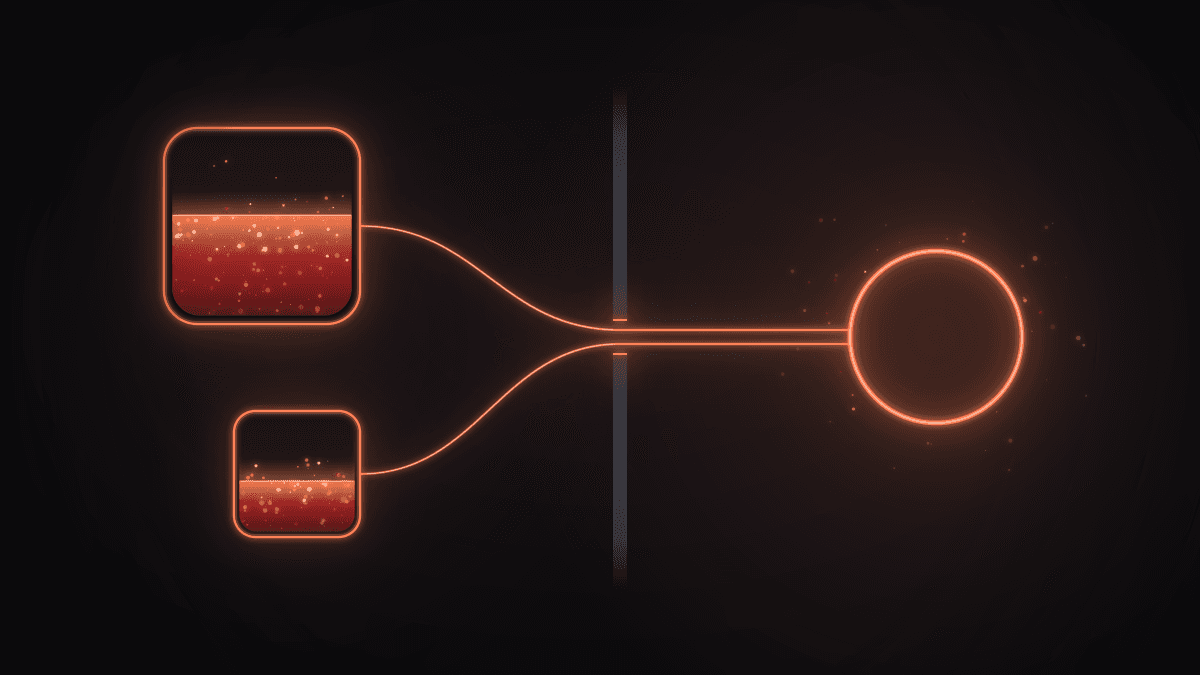
The Creator Fee Claim tool builds these for you. For a SOL-paired Pump.fun coin it collects the bonding curve vault and the PumpSwap wrapped SOL vault in one transaction, and leaves the PumpSwap half out when that vault is empty, so a creator without a graduated pool does not pay to open an account there. On LaunchLab it closes the wrapped SOL account it opened for the claim, so the fee arrives as plain SOL.
The server builds unsigned transactions and your wallet signs them in the browser. The service fee is a share of the claimed value, taken in SOL inside the same transaction and shown before you sign. None of this is financial, tax or legal advice.
Pump.fun creator vault: frequently asked questions
Why is my Pump.fun creator vault empty when the coin had volume?
Check the address first: the vault belongs to the creator recorded on the coin, which may not be the wallet you are looking at. Then check the other vaults, since a graduated coin pays PumpSwap's vault and a USDC pair pays in USDC. Coins made in Pump.fun's cashback mode, now closed to new coins, can route the creator share to traders.
Does each coin get its own vault?
No. The vault is keyed to the creator's address, so every coin from one wallet shares it, plus one extra vault per quote token. PumpSwap and LaunchLab work the same way, which is why Creator Fee Claim shows one row per platform vault rather than one per token.
Can someone else collect my creator fees?
Not into their own wallet. The collect instructions pay the creator's own accounts, so a stranger cannot point them anywhere else. The real risk is someone getting hold of your key, and no honest tool ever asks for it.
What is the Pump.fun creator fee rate?
It is tiered by market cap, and the tiers can be replaced. Read the current ones from Pump.fun rather than from a number in a blog post, this one included.
What does a claim cost?
The network fee for the transaction, plus on j.tools a service fee that is a share of the value claimed, shown before you sign. Checking a vault balance needs no transaction at all, because the data is public.
Claim Center: creator fees and everything else waiting
Connect the creator wallet in Creator Fee Claim to see what each vault holds before you collect. Creator fees may not be the only balance sitting outside your wallet, though. The Claim Center hub scans the same wallets for Token-2022 transfer tax, LP fees on concentrated pools and rent locked in empty token accounts. Its rent button opens Close Account, the job described in pulling SOL back from empty accounts.