Creator Fee Claim

Creator fees from Pump.fun, PumpSwap and LaunchLab, collected in one pass.

Connect wallet in top bar
Creator vaults
PlatformPendingSOLStatus

Connect a wallet or import wallets. Scanning is free.

service 0.75%
About this tool

What it is

A finder and claimer for creator fees. Launchpads pay creators into vaults that do not show up in a wallet balance; this tool reads them for every wallet you add.

How it works

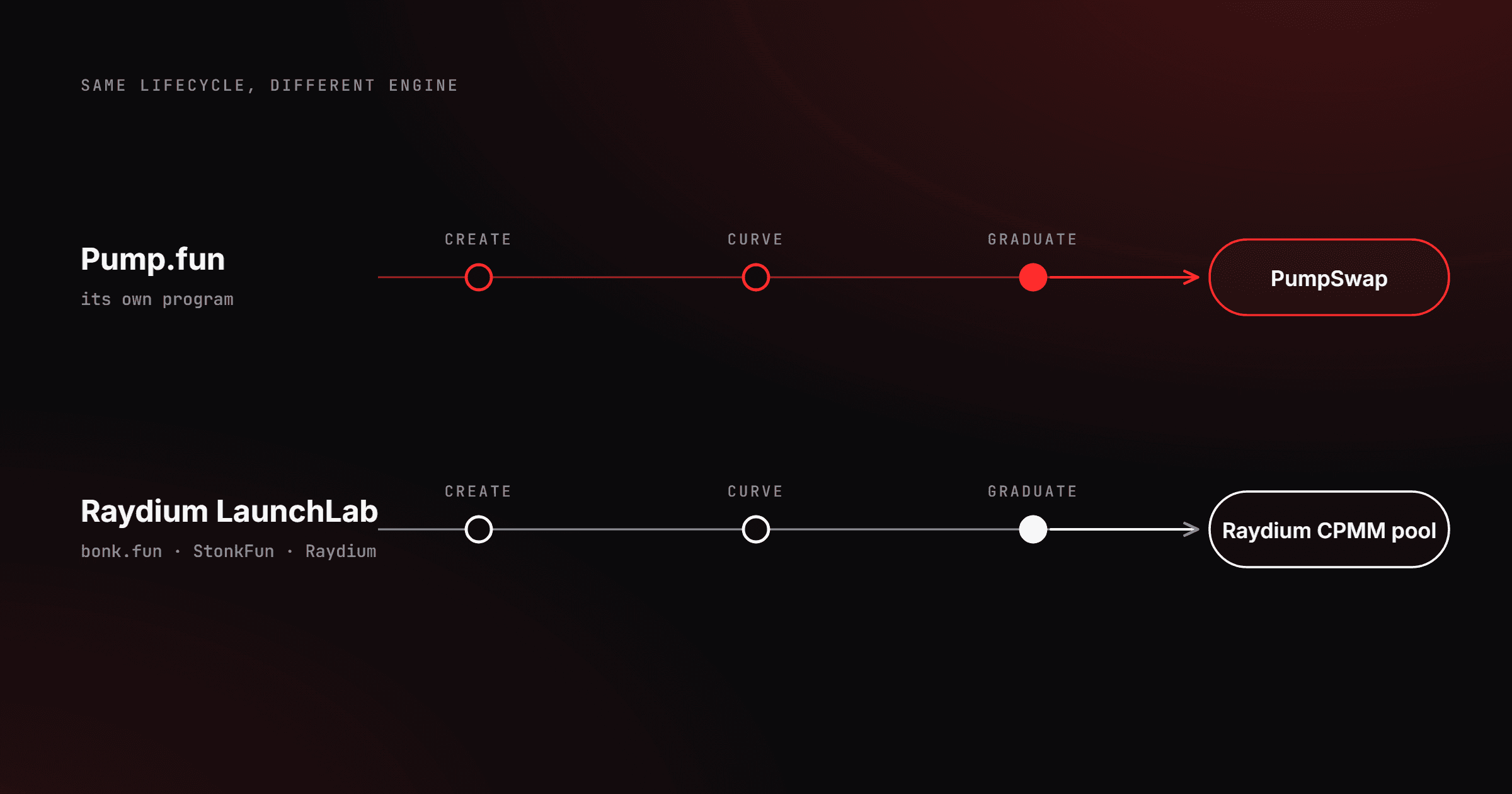
Connect the creator wallet, or import several with their private keys. The scan reads the Pump.fun creator vault, the PumpSwap creator vault after graduation, and the Raydium LaunchLab creator vault. One press claims every ready vault.

Why use it

Fees keep accruing whether or not you look. Claiming them before the next launch turns earned revenue into runway.

How to claim creator fees

  1. Add the creator wallet

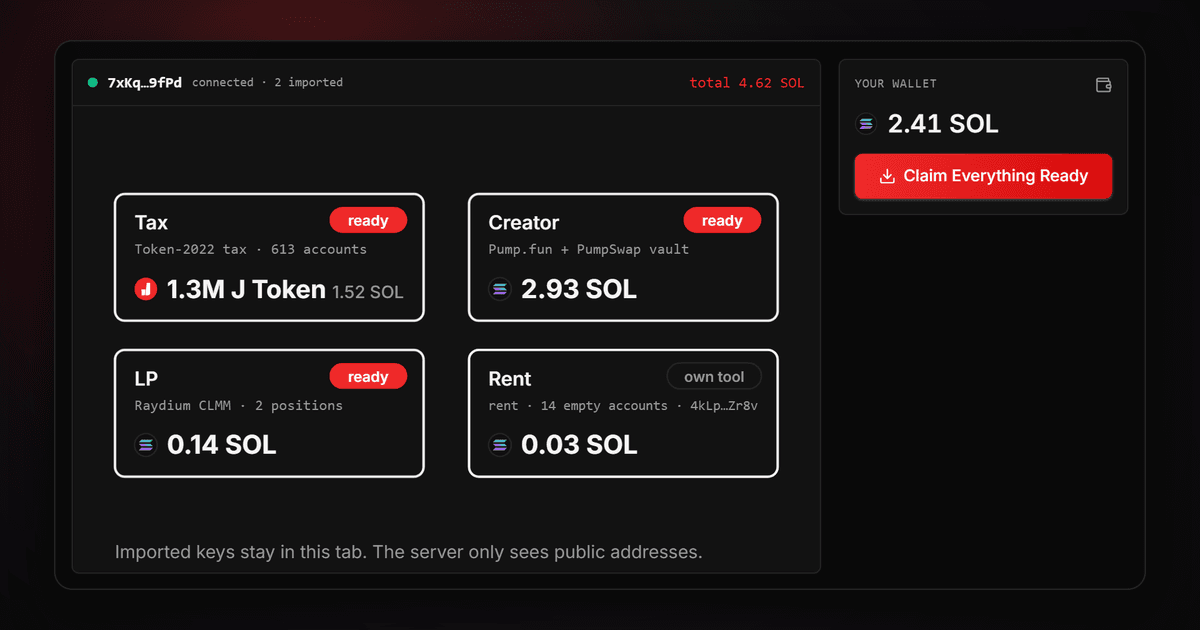
    Connect it, or import your creator wallets with their private keys to claim for all of them in one press.

  2. Pick the launches

    Each row is one launch on one platform, with what is waiting. Ready rows are selected by default.

  3. Sign the claims

    One transaction per launch, one prompt each. The summary shows the service fee before you sign.

Where the fees sit

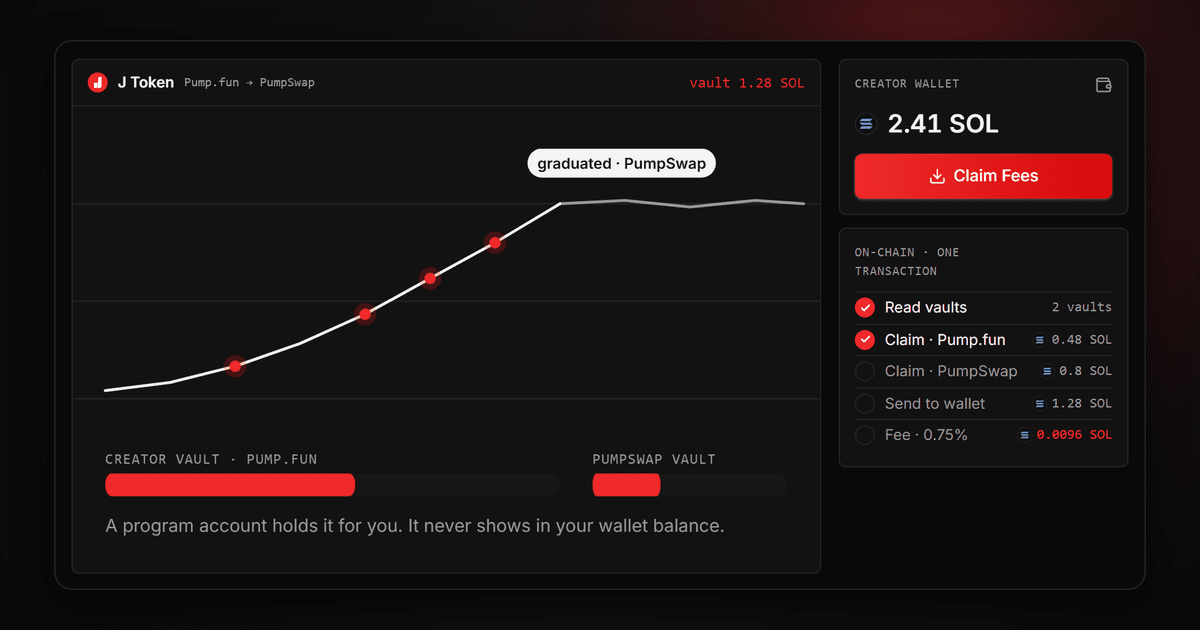
Pump.fun keeps bonding-curve creator fees in a vault per creator. After graduation, PumpSwap pays into a separate vault token account. LaunchLab keeps a creator vault per quote token before migration. Each has its own claim instruction and this tool builds the right one.

What the claimer covers

  • Pump.fun bonding-curve creator vault
  • PumpSwap coin creator vault after graduation
  • Raydium LaunchLab creator vault
  • A wallet × platform table for imported wallets
  • Platform filter and per-vault selection
  • Every claim signed by the wallet that earned it

Find what your launches earned

Connect the creator wallet. The scan is free.

Frequently asked questions