Solana NFT Creator
Create Solana NFTs: one piece, a full collection, or a set generated from your own trait layers. Files are stored for good.
Drop your layer folders here
Each folder becomes a layer and the pictures in it become its variants. No folders? Add layers one by one.
No pictures yet?
AI can draw the layers for you. The plan is free; only drawn pictures use credits.
Start with your images
Drop PNG, JPEG, GIF or WebP files here, up to 4 MB each. Every image becomes one NFT you can name, describe and give traits before you mint.
You can also drop files anywhere in this box.
Nothing to edit yet
Add images on the left, then click a card to edit it here.
Connect a wallet to mint.
Leaves your wallet
0 SOL
About this tool
How NFT Creator works
Add or generate your NFTs
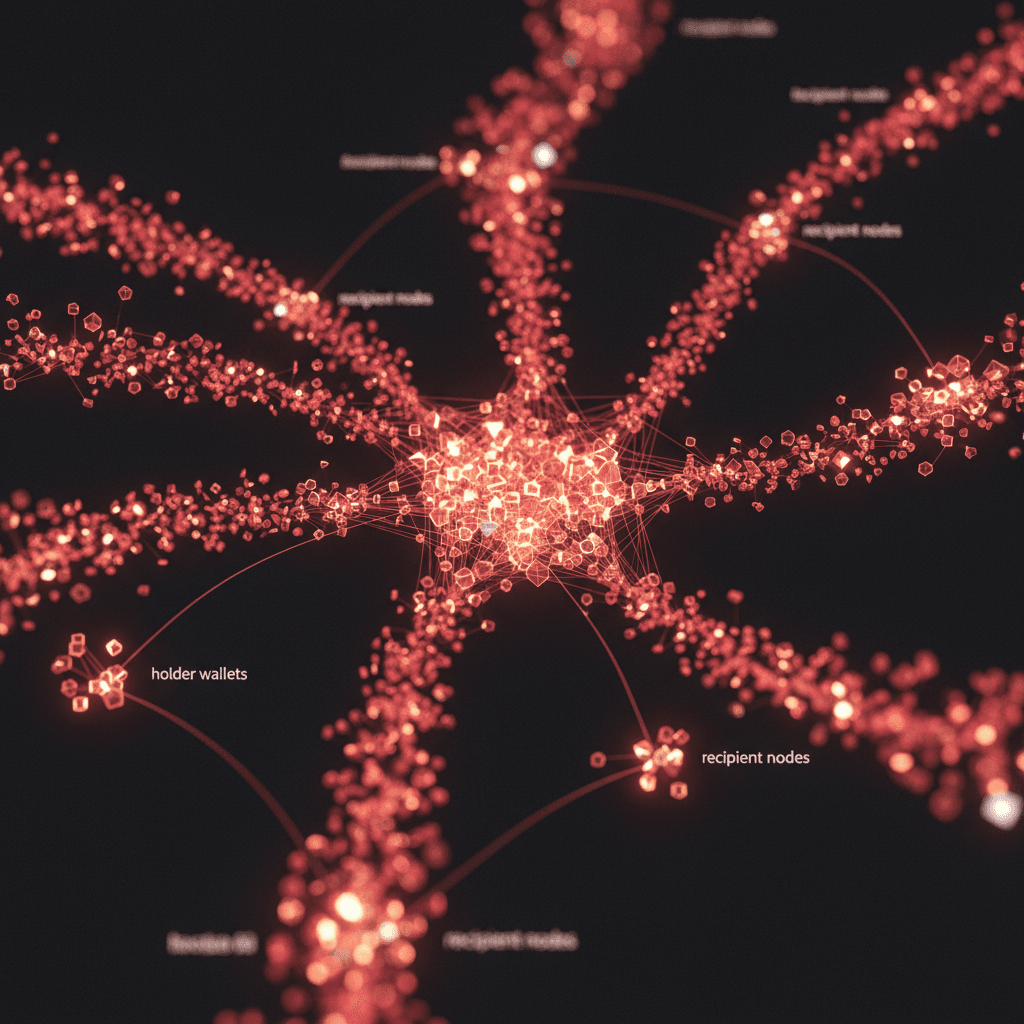
Pick a tab. Layered collection turns folders of trait images into unique combinations, Single NFTs turns every image into a draft, and Ready-made design fills a template such as Holder Pass with your token's logo and name.
What NFT Creator does
What it does
NFT Creator lets you create NFTs on Solana from your own images, with no code. Mint one piece, a batch of single NFTs you edit one by one, or a whole collection drawn from trait layers. Ready-made designs such as a Holder Pass fill themselves in from your token.
How it works
Your images go to permanent Arweave storage, then each NFT is minted straight into the wallet you choose. One NFT takes one approval. For a run of many, one approval funds a temporary minter key in your browser; it mints the NFTs in small batches and sends what is left back to you.
Why use it
Minting a Solana NFT collection usually means a command-line tool, a config file and an upload script. Here the art, the traits, the royalty and the cost sit on one page. You see what leaves your wallet before you approve anything.
Key features
- One NFT, a batch of single NFTs, or a layered collection of up to 2,000 per run
- Trait layers with rarity weights, rules for traits that never appear together, and a live preview
- Ten ready-made designs such as Holder Pass, minted straight to every wallet on a holder list
- Permanent Arweave storage: files up to 100 KB are free, larger ones pay a small amount and the leftover comes back
- Royalty from 0% to 50%, split between several wallets
- Optional AI helper: the plan is free, drawing uses prepaid credits
- 0.05 SOL for one NFT, 0.002 SOL per NFT in a run with a 0.05 SOL minimum
How to mint NFTs on Solana in 3 steps
- 1
Add or generate your NFTs
Pick a tab. Layered collection turns folders of trait images into unique combinations, Single NFTs turns every image into a draft, and Ready-made design fills a template such as Holder Pass with your token's logo and name.
- 2
Set names, traits and royalty
Click a draft to edit its name, description, traits and the wallet it goes to, or select several and change them together. Under Collection & royalty, name the collection, set a royalty from 0% to 50% and a naming pattern such as J Genesis #1, #2, #3.
- 3
Check the cost and mint
The cost panel lists the mint fee, the collection fee, the rent kept inside the NFTs, network fees and storage, then the line Leaves your wallet. Press Mint and approve. The summary shows every NFT address.
Generative NFT collections: layers, rarity and unique combinations
A generative collection is built from layers such as backgrounds, bodies, eyes and hats. Each folder you choose becomes a layer, and its images become that layer's traits. A trait's weight sets how often it is drawn against the others in its layer. A layer's presence sets how often the layer shows up at all, which is how a 1% trait becomes a rare one. The live preview draws a sample NFT; click it for another. The page counts the possible combinations and will not draw more NFTs than there are unique ones. On Magic Eden and Tensor the traits show up as filters, and rarity comes from how often each value appears.
Frequently asked questions
Put your art on chain
Add your images or trait layers, check the cost and mint with one approval.
Next steps
You might like
Blog posts around this tool