Solana Wallet Cluster: How to Find Linked Wallets
A Solana wallet cluster is a group of wallets acting as one holder. What links them, how to map them with J Map and Wallet Scope, and what it cannot prove.
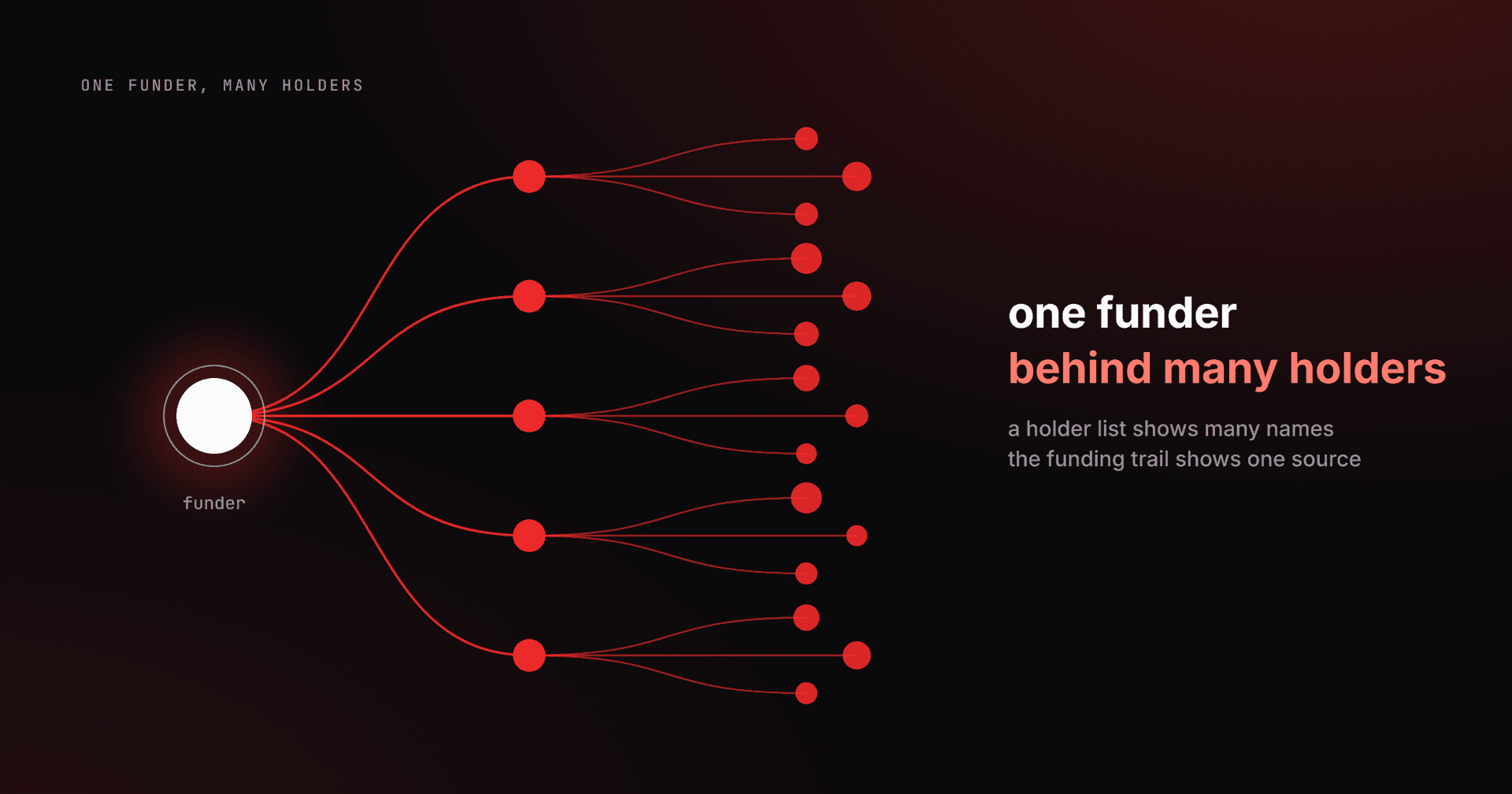
A Solana wallet cluster is a group of wallets that the chain shows acting like one holder: one funded the others, they passed the same token between them, or the same private wallet sent them their first SOL. An address does not tell you who owns it, but the links between addresses are public. Three j.tools tools read these links: J Map, Wallet Scope and Holder Snapshot.
This guide covers what links wallets, how to find a Solana wallet cluster in each tool, how to read the result and what a cluster does not prove. Last verified on 3 October 2026 against the live tools. We build these tools, so weigh the comparison with Bubblemaps below accordingly.
What links two Solana wallets into a cluster?
Four kinds of link group wallets, and two more signals shape how you read them. The third column says which tool shows each one.
| Signal | What the chain shows | Where you see it | How to read it |
|---|---|---|---|
| Direct funding | One wallet sent the other SOL or a stablecoin | J Map, Wallet Scope map | The sender seeded the receiver |
| Token transfer | The wallets moved the scanned token between each other | J Map | The token moved between the two wallets |
| Shared first funder | The first SOL both wallets ever received came from the same private address | Wallet Scope Clusters view | The funding transaction is public, so you can open it and check |
| Shared source | The same external address funded both, with no direct transfer between them | Wallet Scope map, labelled Shared source | A lead to follow, not a conclusion |
| Batch signals | Wallets seeded within a short window, with about the same amount each, or created in the same hour | Wallet Scope map | Timing you can check yourself, shown only when present |
| Exchange withdrawal | The first SOL came from a known exchange or bridge hot wallet | Wallet Scope Clusters view | Not a link: thousands of unrelated people withdraw from the same address |
Every one of these can be checked by anyone, because every transfer is public. In Wallet Scope each address links to the Solscan block explorer, so you can open the funding transaction yourself.
How do you check if wallets are linked?
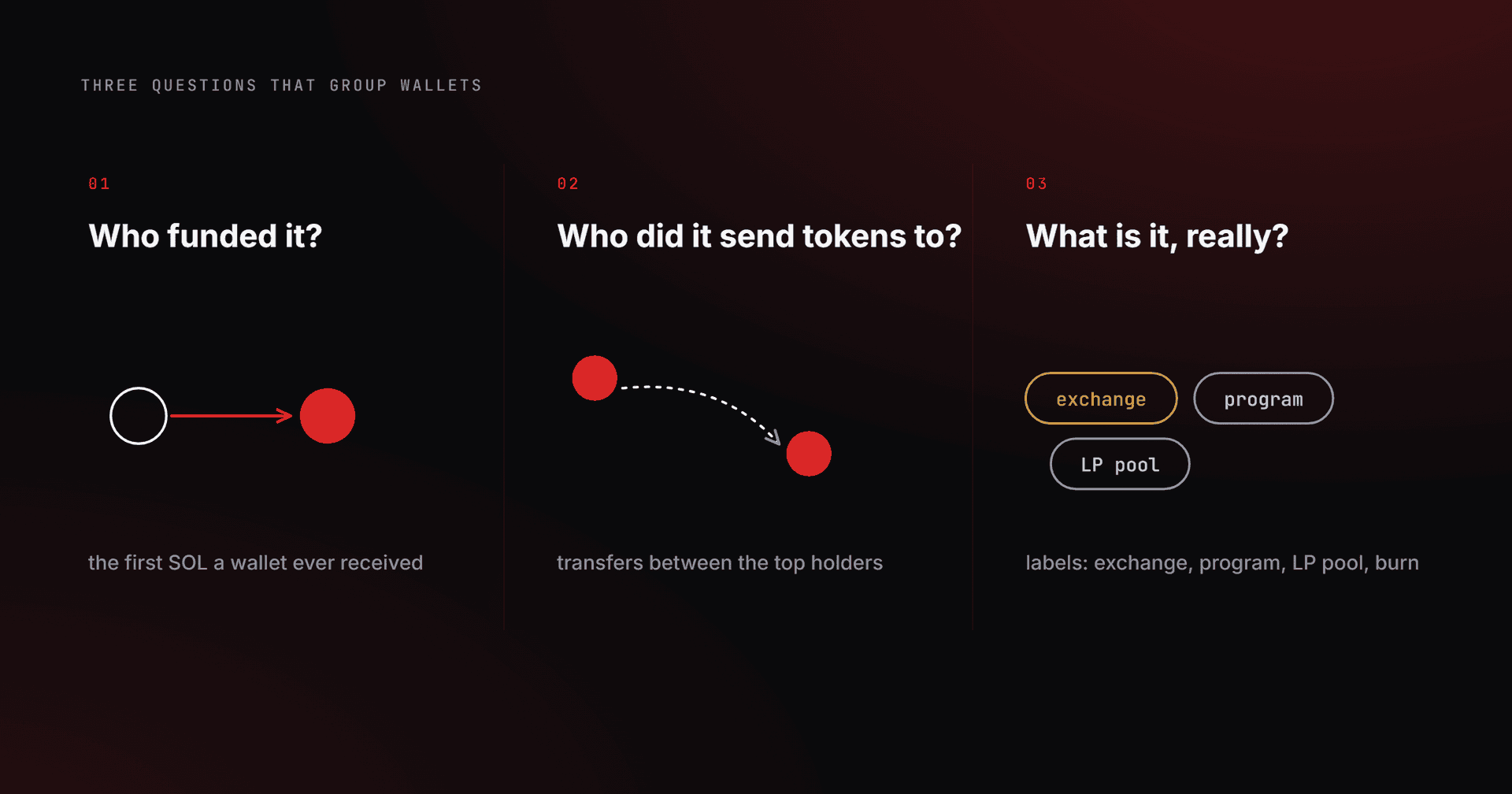
Three questions do most of the work, and you can ask them of any wallet by hand.
- Who funded it? Look up the first SOL the wallet ever received. A sender that shows up behind several wallets is a clue worth following.
- Who did it send tokens to? Check transfers between the holders of a token. Wallets that pass the token to each other are linked, and worth a closer look.
- What is the other side, really? A label tells an exchange, a program, an LP pool or a burn address apart from a private wallet. A shared exchange is not a link, because thousands of unrelated people withdraw from the same address.
Opening 200 wallets one by one in an explorer is an afternoon of tabs. The tools below check many wallets in one pass.
How do you find a token's wallet clusters with J Map?
- Open J Map and paste the token's mint address, or pick a token from the Trending rail, which comes from Jupiter and is cached for about a minute.
- Choose how many top holders to scan, up to the top 500.
- Press Load Map. Each holder becomes a circle sized by its share of supply. Wallets linked by transfers or funding share a colour, and the creator wallet is marked in red.
- Read the clusters. One large single-colour block near the top is the cue to look closer.
J Map is free and needs no account or wallet connection. It covers Solana tokens only. The token stays in the page URL, so copying the address bar shares the token, and the viewer sees a fresh scan. Rescan skips the cache to read fresh on-chain data.
How do you check a list of wallets in Wallet Scope?
- Open Wallet Scope and paste up to 500 addresses, drop a .txt, .csv or .json file on Import, or open Holders and pull a token's top 100 holders straight in.
- Press Free analysis. Balances, wallet age and labels fill one sortable table. Only public addresses are used, and no private key is requested or read.
- Switch to the Clusters view. Wallets whose first incoming SOL came from the same private address group together, and exchange funding stays in its own CEX-funded bucket.
- Open the map to see why wallets are linked, including any batch signals. A button opens the full map in J Map.
The free layer costs nothing, needs no wallet and has no daily cap. Deep analysis (30-day PnL, win rate and trade count) is the metered part. The cluster map covers the first 300 wallets of the set and says so when it truncates. Holder Snapshot reads a token's holders, balances and concentration, and its map line reads "Biggest cluster: N wallets hold X% of the float", or of supply when a float share is unavailable.
How do you read a Solana wallet cluster result?
Start with the combined share, because that is what concentration means. Ten unrelated wallets holding 2% each is a distribution. Ten linked wallets holding 2% each behave like one holder with 20%. A holder list looks healthy in both cases, and only the cluster map tells them apart.
Then ask who is behind the link. Wallets funded by the same private wallet form a cluster. Wallets that all withdrew from an exchange do not, and Wallet Scope files them under CEX-funded. Check whether the creator wallet sits inside the cluster. In the Wallet Scope map, see whether the batch signals line up. For how such signals look on a launch, How to check if a Solana token is bundled before you buy covers bundles at launch in more depth.
What does a Solana wallet cluster not prove?
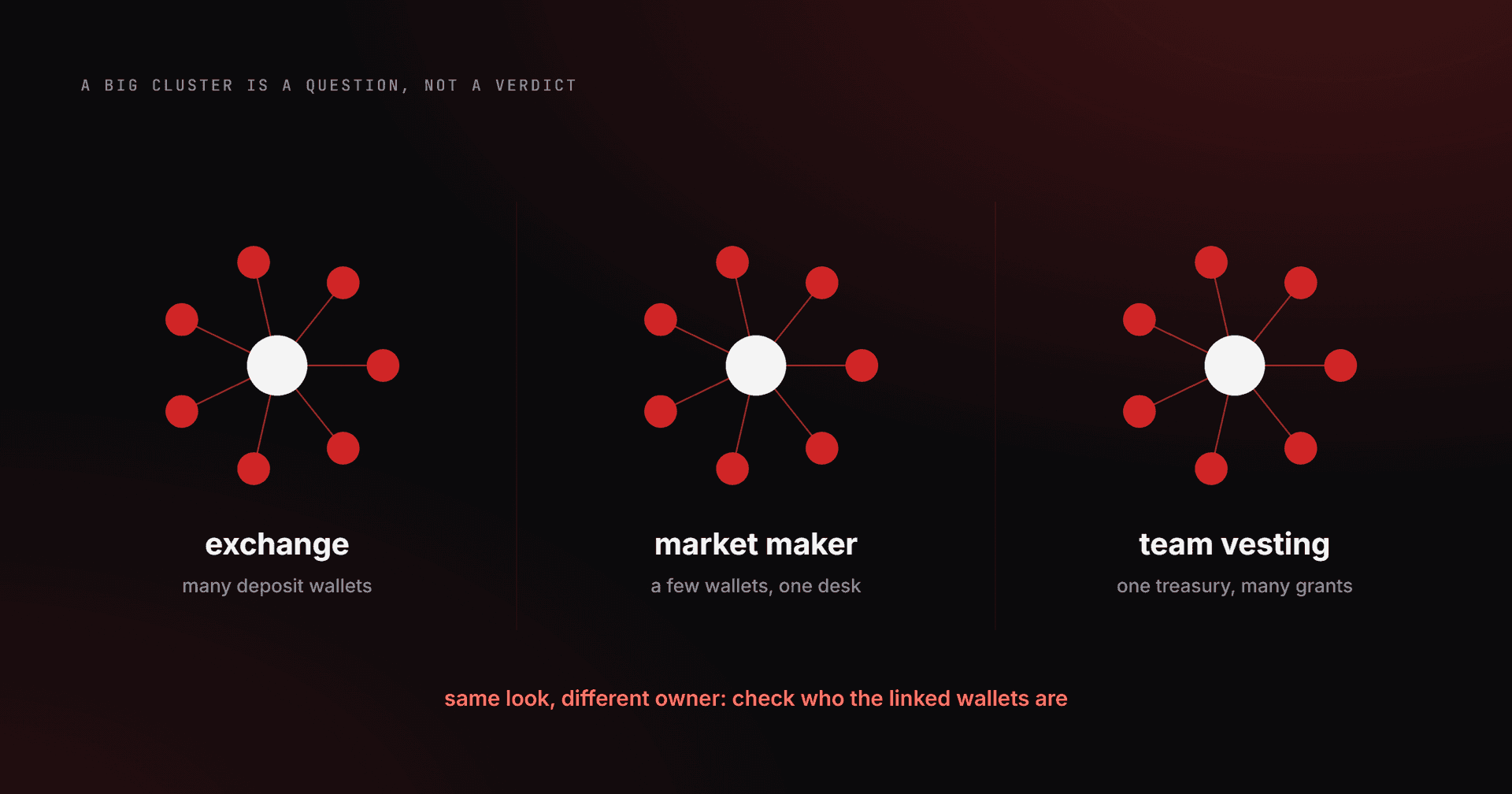
A cluster is a signal, never proof of intent. Exchanges, market makers and team vesting can all look like large connected groups. Think of an exchange spreading deposits over many wallets, or a team treasury paying out many grants. The map gives you the question to ask, not the verdict.
J Map does not guess from timing or balance shape. It groups wallets only from actual transfers, so wallets with no transfer link between them are drawn apart, whatever their timing or balances. Holders below your cutoff are not drawn. If a scan stops early, J Map says the wallets shown are the largest of what it read, and a bigger holder, and the clusters it belongs to, may be missing.
How does J Map compare with Bubblemaps?
Bubblemaps is a visual map of a token's holder wallets and the connections between them. It is not a score, and it works on more than one chain, Solana included. RugCheck vs Solsniffer vs Bubblemaps: what each measures covers it as of July 2026. We make no claims here about its pricing, limits or accuracy, so check its own site. J Map reads Solana tokens only and is free with no account.
Solana wallet cluster: frequently asked questions
Can you prove two Solana wallets belong to the same person?
No. The chain shows links, not identities. A shared first funder or direct transfers between wallets are links you can check, but only the owner can confirm who controls an address. Treat a cluster as a reason to look further.
Is J Map free?
Yes. Loading a map costs nothing, and there is no account or wallet connection. The scan runs against on-chain RPC on our side, so the only limit is a fair-use rate cap.
How many holders does J Map scan?
You choose the depth, up to the top 500 holders. The map covers those wallets and the links between them. Holders below the cutoff exist but are not drawn, so read the picture as the top of the book, not the whole book.
What counts as a cluster in the Wallet Scope Clusters view?
Two or more wallets whose first incoming SOL came from the same private address. That funding transaction is on-chain fact, and every address links to Solscan, so you can check it yourself. Exchange and bridge hot wallets sit in their own bucket and are never called a cluster.
Does a big cluster mean a token is a scam?
Not by itself. Exchanges, market makers and team vesting can all look like large connected groups. Check who the linked wallets are and how much of the supply they control before you judge.
Do I need to connect a wallet to map clusters?
No. J Map needs no wallet connection and no account, and the free analysis in Wallet Scope needs no wallet either. Wallet Scope only takes public addresses, and no private key is requested or read.
Where to go next
Start with J Map on a token you hold and see how the top holders group. To judge what the numbers mean, How to read token holder distribution shows what a healthy spread looks like.