Token Holder Issues on Solana: 10 Common Problems and Fixes
The 10 problems Solana holders hit most: scam airdrops, open mint authority, frozen Pump.fun tokens, holder analysis, and the exact fix for each.

Most Solana token holder issues are not bugs and not scams aimed at you personally. They are the same ten situations, over and over. Holding tokens on Solana looks easy until you actually start. Day one your wallet picks up 30 tokens you never asked for.
The project you bought into never revoked mint authority, holder confidence is shaky. You bought on Pump.fun, the bonding curve graduated, now you can't sell from the same UI. This guide covers the 10 most common holder problems with practical fixes, and for each one the J Tools tool that handles it directly.
1. "My wallet keeps getting tokens I never bought"
On Solana, anyone can send tokens to your public address. Scam airdrops drop hundreds of tokens into wallets, and clicking or trying to swap them often connects you to a drainer contract. The right move is not to hide them in Phantom, but to close the empty token accounts and reclaim the rent. The Solana SPL token close account tool closes empty or unwanted ATAs and returns the rent SOL to your wallet. Multiple accounts handled in a single signature.
2. "My token shows the wrong logo in Phantom"
The metadata image URI is broken, or the update authority was revoked before the asset was finalized. If update authority is still open, the Solana token metadata update tool updates name, symbol, image, and URI in one form. Wallets typically refresh the cached image within a minute or two.
3. "I can't sell my Pump.fun token after graduation"
Once a Pump.fun token graduates, the bonding curve closes and trading moves to PumpSwap, Pump.fun's own exchange; the old curve route no longer fills sells. Fastest path: the Solana multi-swap tool routes through Jupiter for the best rate, sells in one signature. For multi-wallet exits, the Solana bundled trade tool closes positions across many wallets in a single Jito bundle.
4. "I need to airdrop to many wallets, sending one at a time is impossible"
Airdropping to 1,000 holders by hand means 1,000 transactions, 1,000 signatures, and hours of clicks. The Solana multi-sender tool takes a CSV and bulk-airdrops SOL or any SPL across the list. Multiple recipients per transaction, fees split across one signature. Standard tooling for early-holder rewards or post-launch distribution.
5. "My SOL and SPL are scattered across many wallets"
If you ran a bot setup or unintentionally created 10 wallets while testing, your funds are now spread out. Manual collection means logging into each wallet, transferring, double-checking dust amounts. Hours of work. The Solana batch collector tool sweeps balances from many source wallets into a single destination. Upload a wallet list, scan balances, approve the consolidated transfer.
6. "I created a token but mint authority is still open, is that risky"
The most reliable trust signal for holders is seeing mint authority listed as "None" on Solscan. While it's still your wallet, you can dilute supply at any time, and that single fact tanks holder confidence. The Solana mint authority revoke tool closes that door in one form. Action is one-way, so it lands after the supply curve is set. Skipping this step puts a permanent question mark on your launch.
7. "I want to see who holds how much of my token"
Pulling holder data from Solscan by hand is slow, especially with hundreds of wallets in play. The Solana token snapshot tool takes a mint address and exports the live holder list to CSV. Top 10 percentage, distribution buckets, fresh-wallet flags, all in one view. Useful for post-airdrop tracking, rugpull risk scanning, and ongoing health checks on your own token.
8. "I want to close empty ATAs and recover the rent SOL"
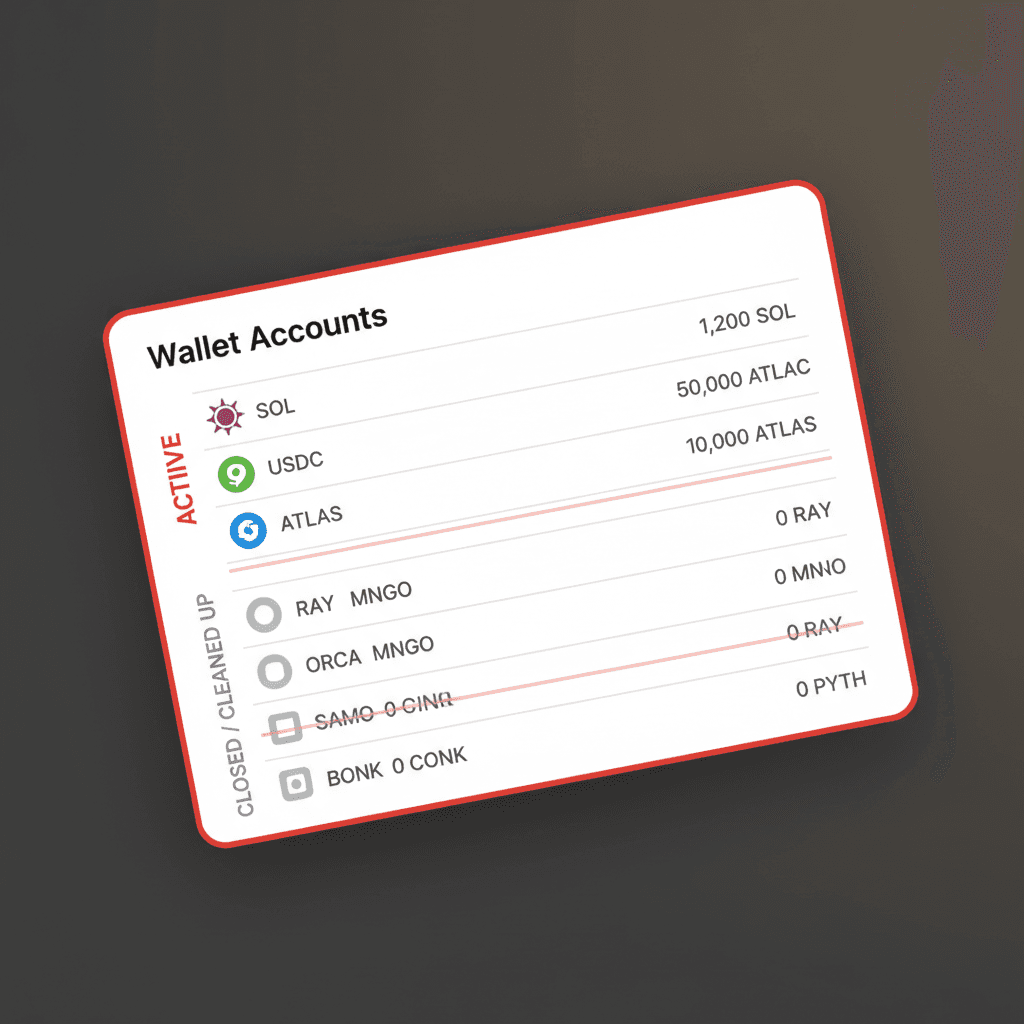
Every token account you ever opened locks roughly 0.002 SOL in rent. Try 50 different tokens and you've quietly tied up 0.1 SOL. The Solana SPL token close account tool closes unused or empty ATAs and returns the rent to your wallet. Bulk selection supported; you can usually clear 50-100 accounts in a single signature.
9. "I bought a token where freeze authority is open, can I sell"
If freeze authority is still active, the owner can freeze your account and lock your tokens. Always check the freeze authority field on Solscan before buying. You want to see "None". For deeper risk reading on tokens with open freeze authority, the Solana token guides category covers detection patterns. To close it on your own token, the Solana freeze authority revoke tool handles it in one form.
10. "I want to make my token metadata permanent"
While update authority is open, the owner can swap name, symbol, image, and URI any time. To remove that surface area, you revoke update authority too. The Solana make token immutable tool permanently locks the metadata. After that point nothing changes; finalize the image and links before you run it. Professional launches close mint + freeze + update authorities together.
Daily holder workflow
Keep the wallet clean (problems 1 and 8), verify what you buy (6, 9), and plan these steps into your own launch (6, 7, 9, 10). For more, the Solana tutorials category and Solana tag page stay updated. The full Solana tool catalogue lives on J Tools all tools page.
How to scan a token before you hold it
Issues 6 and 9 above both come down to one habit: read the mint's authority fields before the position gets large. Two minutes of checking saves the lockups and silent supply changes that cause most "why can't I sell" tickets. Run this short pass on any token you plan to hold.
- Mint authority. Open the mint on Solscan. If the mint authority is not "None", whoever holds it can print new supply and dilute you. A finalized launch shows None here.
- Freeze authority. Same screen, the freeze authority field. If it is set, the owner can freeze your account and your tokens stop moving. You want None.
- Update authority. Open metadata can swap the name, symbol, and image after you buy, so a token can rebrand into something it was not when you entered.
- Holder spread. Pull the distribution. A handful of wallets sitting on most of the supply is a sell-pressure risk no authority check will show you.
If you want to confirm a position is actually movable rather than just reading fields, try selling a tiny fraction on the Solana token swap tool. A successful small sell proves the account is not frozen and a real route exists. If even a dust-sized sell fails, treat the rest of the bag as stuck.
When to take a holder snapshot
A snapshot is a frozen list of who held your token, and how much, at one exact moment. The timing matters more than people expect. Take one right before an airdrop so the recipient list reflects real holders, not wallets that bought in after you announced.
Take another before a migration or a major contract change so you have a clean before-picture if you ever need to make holders whole. Snapshots are also the input the airdrop and reward tools read from, which is why launches that skip this step end up paying the wrong wallets.
Two primary sources are worth keeping open while you work through these: the Solana token program documentation for what a mint and an associated token account actually are, and the Solscan token explorer for reading the authority fields on any mint address.
Common questions about Solana token holder issues
Why am I getting tokens I never bought?
These are unsolicited airdrops, usually dust sent to thousands of wallets at once. Receiving one is harmless on its own. The risk starts only if you interact with it: a fake token can route you to a malicious site or a draining swap. Do not click links in the token's metadata and do not approve any transaction it suggests. Leave it, or close the empty account later to reclaim the rent.
Is open mint authority always a rugpull?
No, but it is a standing risk. Open mint authority means the owner can still create new supply, which dilutes existing holders. Some legitimate projects keep it open during early phases for liquidity or reward minting, then revoke it. The signal is direction: a serious launch eventually closes mint, freeze, and update authority. Open authority with no roadmap to close it is the part to be wary of.
Can I sell a frozen Pump.fun token?
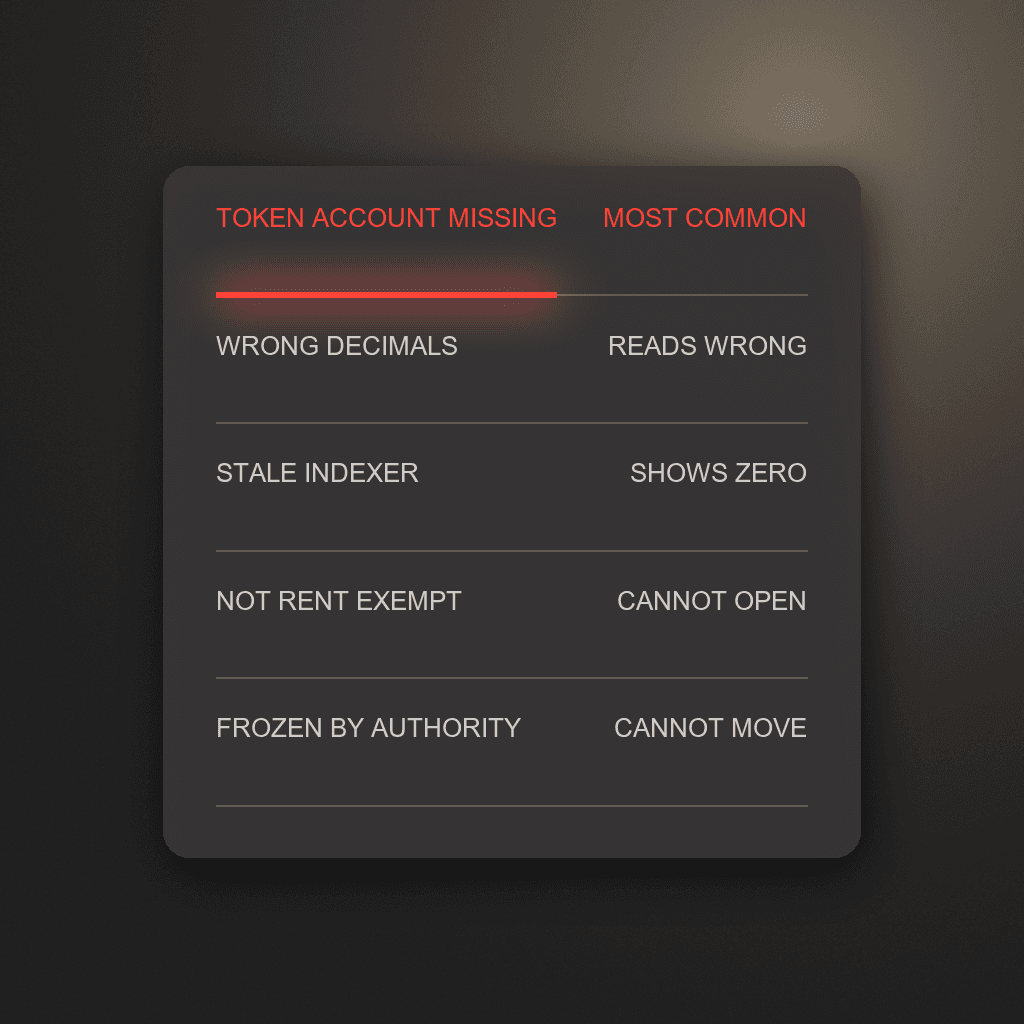
If your specific token account has been frozen by an active freeze authority, no, the tokens cannot move until that authority unfreezes them, and only the authority holder can do that. This is different from the post-graduation routing issue in problem 3, where the token is not frozen but your wallet is pointed at the wrong pool. Check the freeze field first: if it reads None, the problem is routing, not a freeze, and a working swap route will clear it.
Diagnose the holder journey end to end
For issues outside this checklist, learn how rent reclamation works for empty token accounts, run the eight Solana rug pull checks, and understand the execution risks of coordinated bundled sells across multiple wallets.